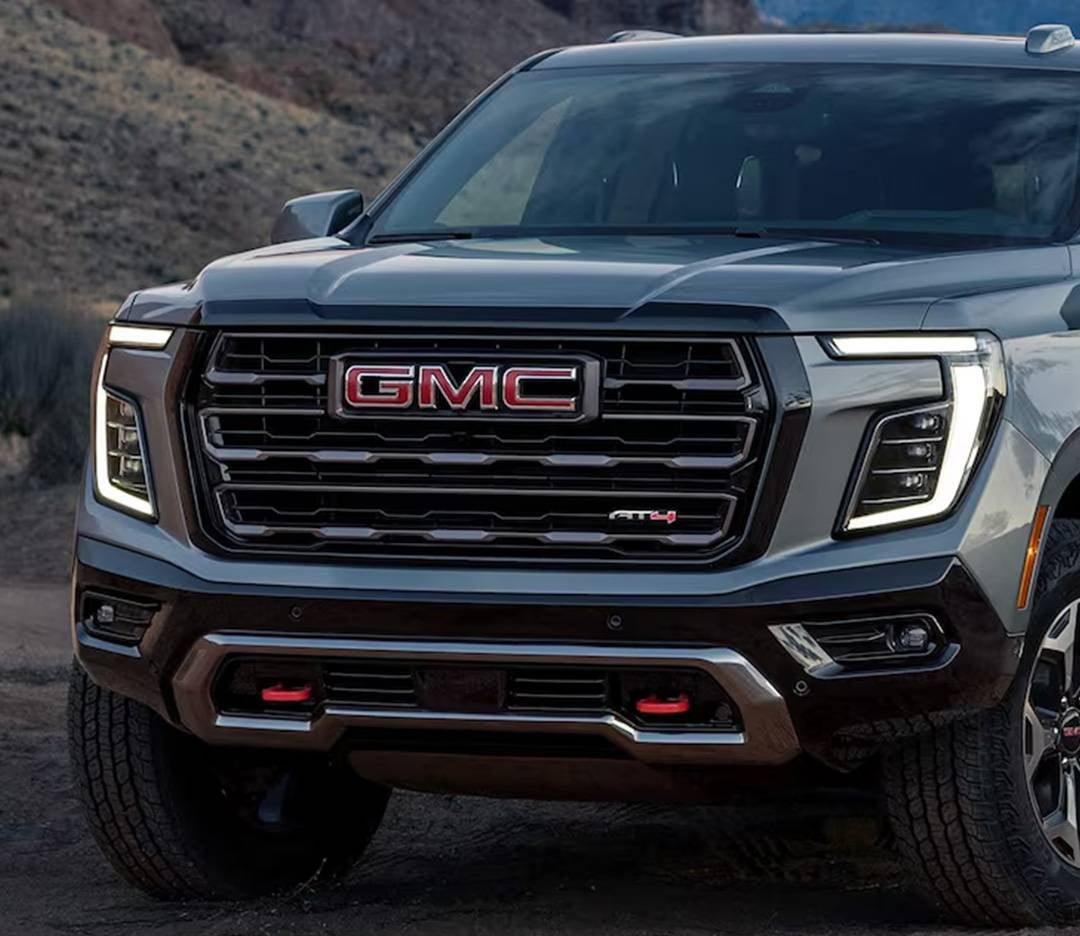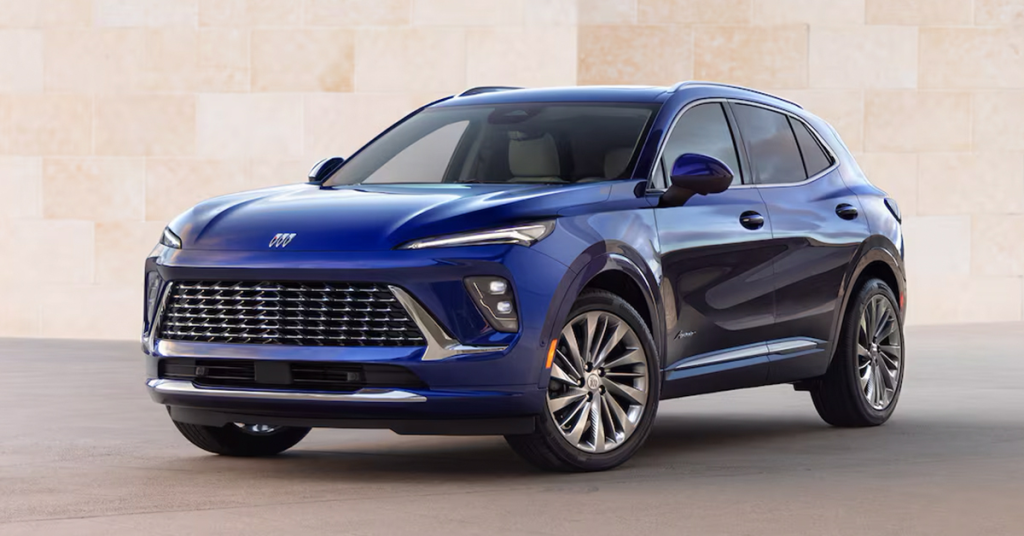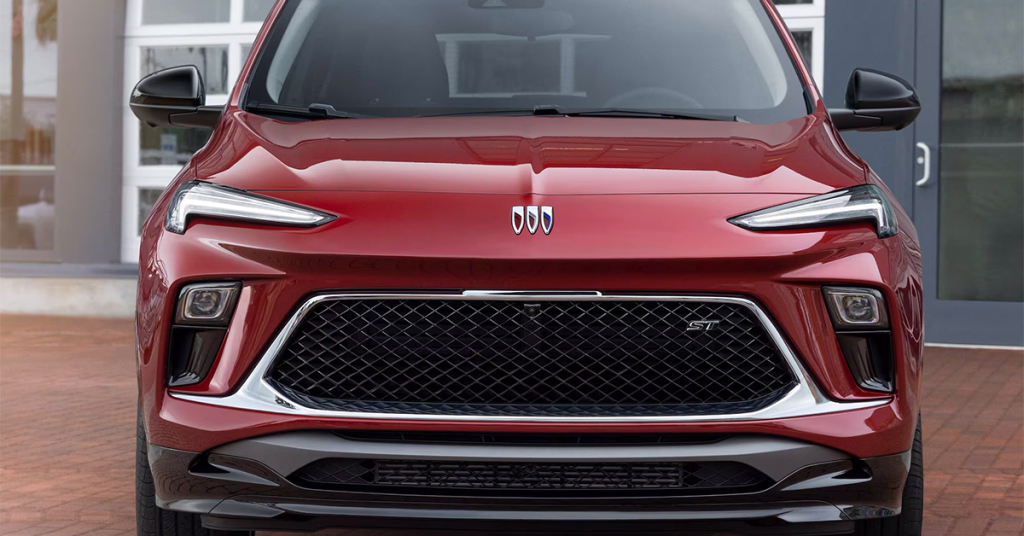


Blog

All Buick Envista HOMOSASSA Buick Dealer Buick Enclave Buick Encore GX Buick Envision GMC Sierra GMC Trucks Community Info & Events Eagle Buick GMC GMC SUV GMC Yukon Vehicle Comparison
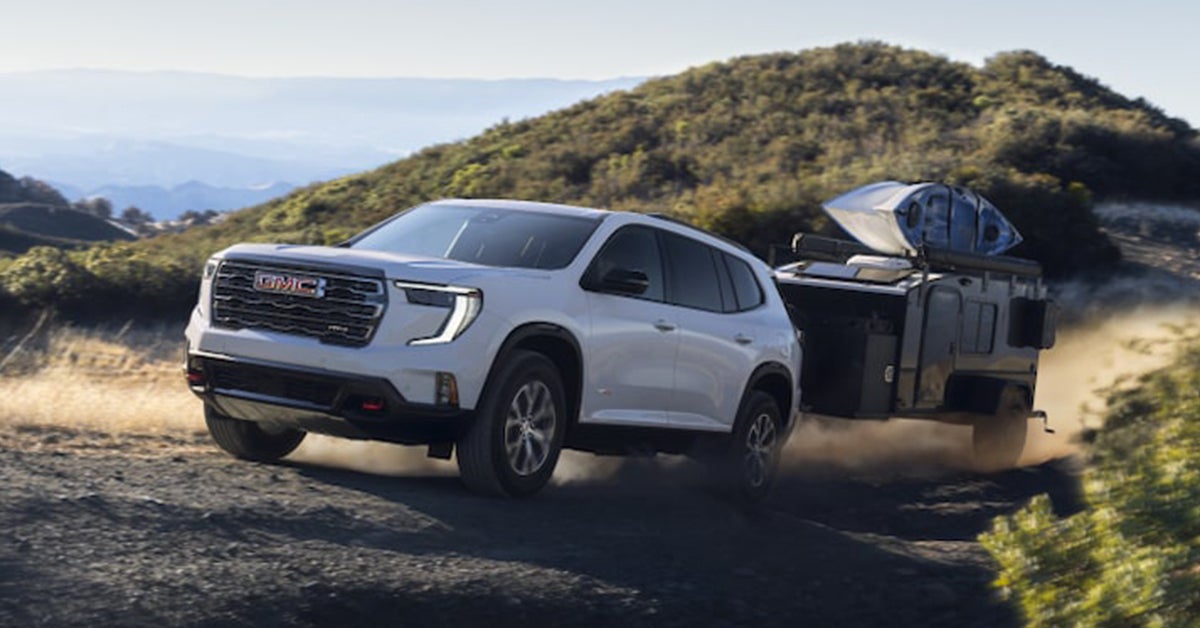
GMC acadia towing a trailer with a kayak on top

7 Tips for Strapping Down Your Trailer

When it comes to hauling gear, equipment, or toys around Citrus County from the backroads of Ozello to job sites in Lecanto you need more than just a powerful truck. You need to know how to properly secure your trailer load. Whether you're towing with a GMC Sierra 1500, Sierra 2500, or the heavy-duty Sierra 3500, strapping down your cargo the right way isn’t just smart it’s essential for safety, stability, and peace of mind. In this blog, we’re diving into 7 must-know tips for strapping down your trailer like a pro. These practical, real-world strategies will help you avoid load shift, keep your gear intact, and stay compliant with road safety laws in places like Crystal River, Homosassa, and beyond. And if you're looking for a truck that’s built to haul with confidence, visit or contact Eagle Buick GMC where serious trailering capability meets small-town customer service. Let’s get into it. 1. Choose the Right Tie-Down Equipment for Your Trailer Load Selecting the right tie-down equipment is crucial for safe towing. The right straps keep your cargo secure and prevent accidents on the road. Here are some tips to help you choose the best options for your needs. Use Ratchet Straps: These provide a strong hold. They are easy to use and allow for tight fastening. Select the Right Length: Make sure the straps are long enough for your load. Short straps may not secure larger items, while overly long ones can become tangled. Check Weight Limits: Always choose straps rated for more than your load weight. This ensures they will hold up during transit. Avoid Bungee Cords: While they may seem handy, they stretch and can snap. This can lead to loose cargo or damage. Use Axle Straps for Vehicles: These straps hook onto a vehicle's axle. They help secure cars or other wheeled items safely. Choose Quality Materials: Look for heavy-duty nylon or polyester. These materials resist wear and hold up well under stress. Inspect Before Each Use: Always check your straps for signs of wear. If they show fraying or damage, replace them. Using the right equipment makes a big difference. It ensures that your load is secure during travel, especially when towing with a GMC Sierra 1500. A well-secured trailer reduces risks and keeps you safe on the road. 2. Secure Trailer Cargo by Finding Reliable Tie-Down Points Finding strong tie-down points is essential for securing your trailer cargo. These points anchor your straps and help keep your load in place. Here’s how to locate the best tie-down points. Look for Built-In Points: Most trailers have built-in tie-down points. Use these sturdy locations to anchor your straps securely. Use Your Truck’s Features: If you are using a Sierra 2500, take advantage of its truck bed anchors. They are designed to handle heavy loads. Check the Trailer Frame: The frame of your trailer is a strong option. Attach straps to the frame to ensure they hold well. Avoid Weak Spots: Do not tie down to places that may bend or break. Focus on solid structures that can handle weight. Use Anchor Rings: If your trailer has anchor rings, use them. They provide excellent support for your straps. Secure the Load at Multiple Points: It’s best to secure your cargo at several points. This helps to evenly distribute weight and reduces movement. Test the Tension: After strapping down, give each strap a tug. Ensure they are tight and secure to prevent shifting during transit. By finding reliable tie-down points, you can secure your trailer cargo more effectively. A strong hold means a safer drive, especially when pulling with a GMC Sierra 2500. Taking the time to find the best spots will pay off on the road. 3. Balance Your Load for Stability and Safety Balancing your load is vital for stability and safety while towing. An unbalanced trailer can lead to swaying, making it hard to control your vehicle. Here are some tips to ensure your load is balanced. Distribute Weight Evenly: Aim for about 60% of the weight at the front of the trailer. This helps maintain proper tongue weight and prevents swaying. Place Heavy Items First: Load the heaviest items closest to the front. This will help keep your trailer steady while you drive. Check Side-to-Side Balance: Make sure the load is balanced from side to side. An uneven load can cause your trailer to tip. Adjust as Needed: If you notice an imbalance, move items around. Adjust until the load feels stable. Use Weight Distribution Hitches: If you're towing with a GMC Sierra 3500, consider using a weight distribution hitch. It helps balance the load and reduces sway. Regularly Inspect Load During Transit: After driving for a while, check to ensure nothing has shifted. Stop to make adjustments if needed. Practice Good Loading Habits: Always load items carefully and thoughtfully. This will make securing your load easier and safer. Balancing your load is a key part of tie-down trailer safety. A well-balanced trailer is easier to handle and helps prevent accidents. When towing with a GMC Sierra 3500, focus on keeping your load balanced for the safest drive possible. 4. Use the “X” Strap Pattern for Added Stability Using the “X” strap pattern can significantly improve the stability of your load. This technique helps prevent shifting and offers better control while driving. Here’s how to use this method effectively. Cross Your Straps: Start by laying two straps across the load in an “X” shape. This creates a secure hold on all sides. Anchor Each End: Attach each end of the straps to solid tie-down points. This ensures they won’t come loose while driving. Tighten Evenly: Tighten both straps equally. This maintains balance and prevents one side from being too tight. Check for Movement: After securing, test the load for movement. If it shifts, adjust your straps to tighten further. Ideal for Larger Loads: This pattern works best for larger items or equipment. It holds them in place and keeps them steady. Works Well with Flatbeds: If using a flatbed trailer with a GMC Sierra 1500, the “X” pattern is very effective for securing larger cargo. Ensure Proper Tension: Don’t overtighten, as this can damage the load. Just ensure everything is snug and secure. Using the “X” strap pattern is a smart way to enhance load stability. This method provides extra security, especially for heavier items. When towing with a GMC Sierra 1500, this technique is a must for keeping your cargo safe on the road. 5. Secure All Four Corners for Full Coverage Securing all four corners of your load is essential for complete coverage and safety. This step prevents any movement and reduces the risk of accidents during transit. Here’s how to effectively secure all corners. Use Four Straps: Always strap down each corner of your load. This ensures that nothing can tip, slide, or bounce during travel. Attach at Solid Points: Make sure each strap is anchored to a secure point. This adds to the stability of your load. Check for Even Tension: After securing all four corners, check that the tension is even across the straps. This helps maintain balance and control. Reinforce Larger Loads: For larger items, consider adding additional straps as needed. This will provide even more security. Adjust for Changes in Weight: If you add or remove items, adjust the straps accordingly. This keeps everything secure as you drive. Inspect Before Departure: Always double-check your straps before leaving. A quick inspection can save you from major issues on the road. Tighten After Driving a Short Distance: After a few miles, stop and check your load again. This ensures that everything remains secure. By securing all four corners of your trailer load, you enhance safety during transport. Properly securing your cargo is a critical aspect of 7 tips for strapping down your trailer. Whether you're using a GMC Sierra 2500 or any other vehicle, this practice is essential for a safe journey. 6. Double Check and Adjust Strap Tension Regularly After strapping down your cargo, it's crucial to double-check and adjust strap tension. Proper tension keeps your load secure and prevents movement while driving. Here are some steps to ensure your cargo remains safe during your journey. Check Each Strap: Go around your trailer and inspect each strap. Ensure that they are tight and secure. Look for Slippage: After driving a short distance, stop to check for any slippage. If a strap has loosened, retighten it as needed. Test the Load: Give each strap a tug to see if it holds firm. If any strap feels loose, it needs adjusting. Adjust for Load Changes: If you add or remove items, adjust your straps accordingly. This keeps your cargo secure throughout the trip. Tighten Gradually: Avoid overtightening, which can damage the cargo or the straps. Instead, tighten gradually until they feel snug. Use Built-In Features: If you are using a Sierra 3500, take advantage of its built-in tie-down points. They help you secure your load more effectively. Regular Checks Are Key: Make it a habit to check strap tension every hour or so during long trips. This simple step helps prevent accidents and keeps your cargo safe. By regularly checking and adjusting strap tension, you can ensure that your trailer cargo remains secure. Taking this precaution helps you drive with confidence, knowing your load is properly secured. 7. Protect Your Load with Covers and Tarps Covering your load with tarps or covers is a vital part of securing it properly. This extra layer of protection keeps your cargo safe from the elements and road debris. Here are some tips for effectively using covers and tarps. Choose the Right Size: Select a tarp that fits your load well. A good fit helps prevent flapping during travel. Use Heavy-Duty Materials: Opt for strong, weather-resistant tarps. These materials protect against rain, wind, and sun damage. Secure the Edges: Use bungee cords or rope to secure the edges of the tarp. This keeps it in place and prevents it from blowing off. Cover Sensitive Items: If you are hauling items like furniture or equipment, a tarp will protect them from scratches and moisture. Inspect for Damage: Before each trip, check your tarp for wear and tear. If you notice any holes, replace it to ensure full protection. Use Nets for Extra Security: Consider using a cargo net over the tarp. This adds extra protection and keeps everything tightly secured. Keep Load Clean: A covered load helps keep your cargo clean and safe from dirt and debris. This is especially important for items that need to stay pristine. Using covers and tarps is essential for tie-down trailer safety. They provide peace of mind knowing that your cargo is shielded from harm. If you’re hauling with a GMC Sierra 1500, ensure your load is covered properly for the safest journey. What equipment do I need for properly securing a load on my trailer? You will need ratchet straps, tie-downs, anchor points, and possibly axle straps. High-quality tarps and bungee cords are also helpful for covering and securing your cargo. How do I ensure my cargo won’t shift or come loose during travel? To prevent shifting, ensure that your load is balanced, secure all four corners with straps, and regularly check strap tension during your journey. Using the “X” strap pattern can also enhance stability. Should I use specialized straps or chains for certain types of cargo? Yes, specialized straps or chains may be necessary for certain types of cargo. For example, axle straps are ideal for securing vehicles, while heavy-duty ratchet straps are better suited for larger, bulkier items. Always choose straps that are rated for the specific weight and type of cargo you are transporting. Be Trailer Ready With Eagle Buick GMC If you're looking to secure your trailer load with confidence, the team at Eagle Buick GMC is here to help. Whether you're hauling a heavy load or taking a family road trip, we have a wide selection of vehicles to fit your needs. Visit us in Crystal River, Lecanto, Ozello, or Homosassa and explore our range of trucks, including the Sierra 1500, Sierra 2500, and Sierra 3500. These trucks offer the power and capability you need for any hauling task. While you're here, check out some of our other helpful resources. If you're curious about different Buick trim levels or wondering how to start your Buick in case of key fob issues, we've got answers ready for you. Learn more about these topics by reading our guide on how to remotely start your Buick or how to troubleshoot your Buick key fob battery. Explore our inventory and find the right vehicle for your needs. Don’t hesitate to contact us with any questions or visit us today.
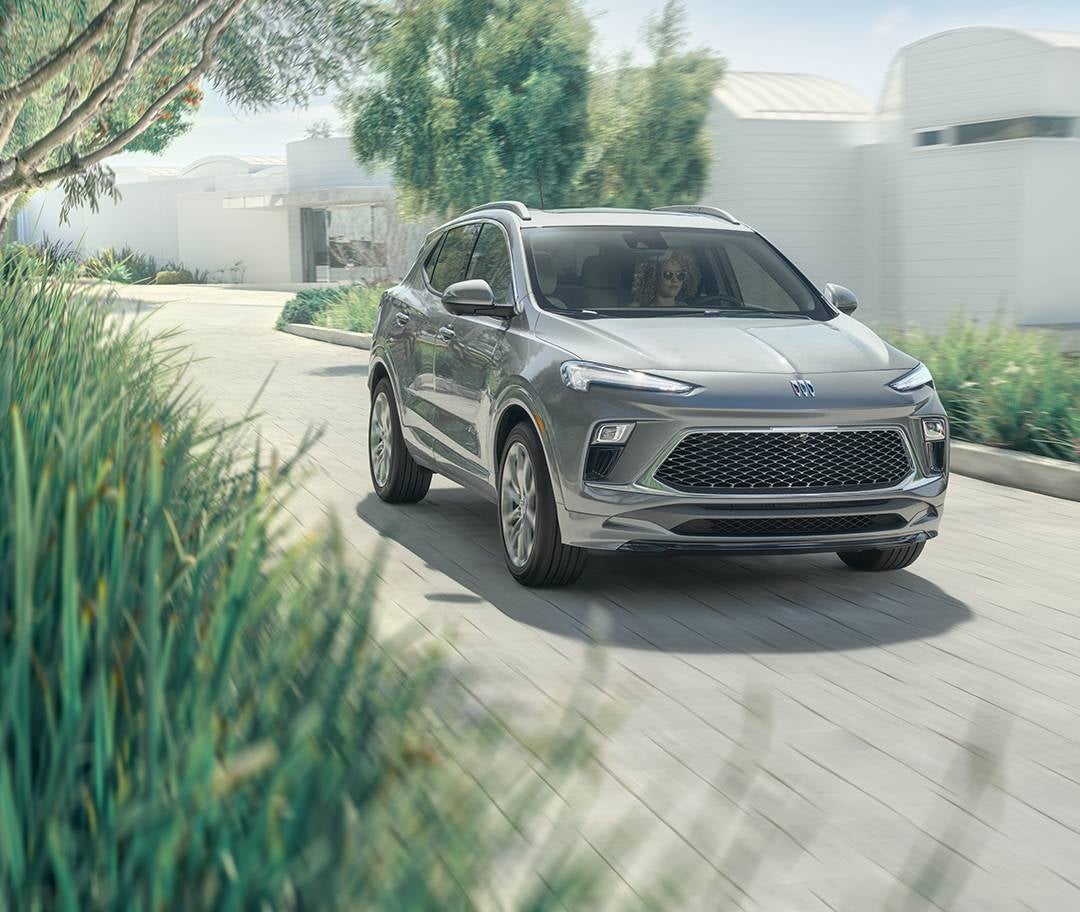
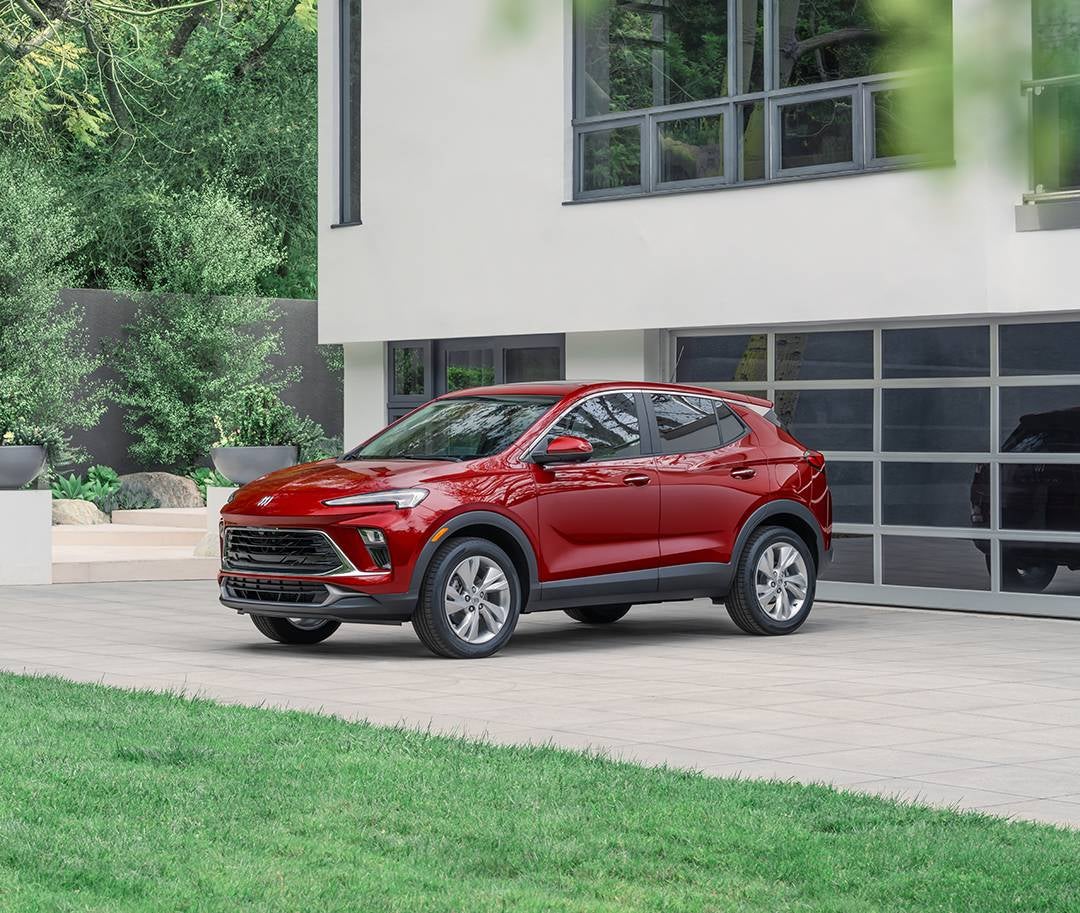
Buick Encore

Buick Trim Levels Explained [2025]

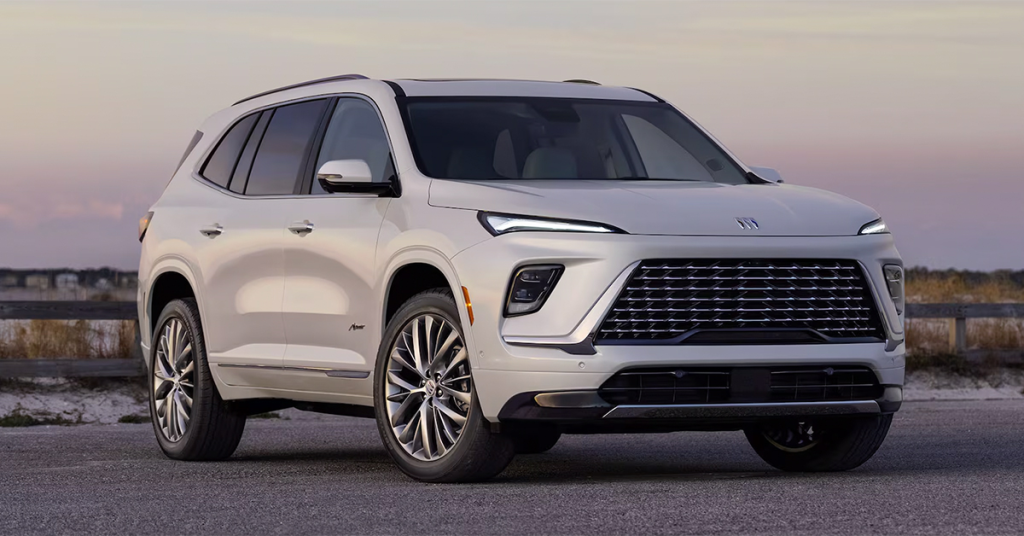
When shopping for a 2025 Buick, one of the most important decisions you'll make is choosing the right trim level. Each Buick model offers a variety of trims that cater to different tastes and preferences, so understanding what each level brings is essential. Whether you're drawn to the spacious Buick Enclave, the sporty Buick Envista, or the sophisticated Buick Envision, choosing the right trim will ensure you get the features, performance, and value that match your needs. In this guide, we’ll break down the Buick trim levels for 2025, starting with the well-equipped Preferred trim and moving all the way up to the luxurious Avenir. By the end, you'll have a clearer understanding of which Buick trim offers the best combination of style, technology, and comfort for you. Visit Eagle Buick GMC in Crystal River today or contact us to explore our selection and find the perfect Buick for your lifestyle! View Our New Vehicles Get Directions Contact Us Understanding Buick Trim Levels: A Key to Finding Your Perfect Ride Choosing the right Buick trim level is crucial to finding a vehicle that suits your needs and lifestyle. Trim levels define the features, technology, and performance of each Buick model, and the options vary greatly. Whether you’re looking for a car that offers top-notch comfort, cutting-edge technology, or sportier performance, understanding the trim levels is essential. For instance, when considering the Buick Encore GX, the trim level will determine factors like interior features, advanced driver-assist systems, and exterior design. Each level brings new options to enhance your driving experience. The more advanced trims, for example, may include premium features like a larger touchscreen, leather seating, and upgraded safety features. To make your decision easier, here’s a quick overview of some key features by trim level: Base Trim: Standard tech features, essential comfort features. Preferred Trim: Adds upgraded interior options, such as enhanced sound systems. Essence Trim: Includes leather seats, advanced driver assistance systems, and more. Avenir Trim: Luxury features, premium sound systems, and advanced technology options. Buick Lineup 2025: Key Models and Trim Options The Buick lineup for 2025 offers a diverse range of models, each with distinct trim options. Whether you're looking for an SUV or a sedan, there’s a Buick for every preference. The Buick Envista, for example, combines sleek design with excellent performance. With various trims available, this vehicle offers a range of features that cater to different drivers. When exploring the Buick lineup for 2025, it’s important to consider what you need from your vehicle. Here’s an overview of some of the key models and their trim options: Buick Encore GX: Perfect for those who want a compact SUV with a refined interior. Buick Envista: A sporty and stylish compact SUV that offers great value with its trim options. Buick Enclave: A larger SUV ideal for families who need more space and luxury. Buick Envision: A compact SUV that strikes a balance between sportiness and comfort. Each model offers a variety of trims, so you can find one that fits your needs. From standard to luxurious trims, you’re sure to find a Buick with the perfect blend of features. Buick Trim Levels Explained: A Deep Dive into the 2025 Trims Understanding Buick trim levels for 2025 is key to getting the best value for your purchase. Trim levels determine everything from your car’s style and features to its overall performance. By breaking down the details of each trim, you can easily decide which one offers the best value for your lifestyle. For example, the Buick Envision has several trim levels that cater to different preferences. From the base trim that offers essential features to the higher trims like the Essence and Avenir, each step up provides additional features like upgraded seating, advanced safety technologies, and more. Here’s a breakdown of the trims: Base Trim: Includes essential features like a touchscreen display and basic safety options. Preferred Trim: Adds more comfort and convenience features, such as heated seats and remote start. Essence Trim: Features upgraded materials like leather upholstery and additional tech options. Avenir Trim: The top-of-the-line trim offering luxury features such as a premium sound system and advanced driver-assistance systems. No matter which trim you choose, each offers a unique set of features designed to enhance your driving experience. The Buick Enclave Trim Levels: From Family-Friendly to Luxurious The Buick Enclave is a great choice for families who need extra space without sacrificing luxury. With its three-row seating and numerous trim options, it can fit everything from casual errands to family road trips. Each trim level of the Enclave brings unique features, allowing you to choose one that fits your needs. Base Trim: Standard features include a spacious interior, a user-friendly infotainment system, and key safety technologies. Preferred Trim: Adds features like power-adjustable seats and more advanced safety options. Essence Trim: Includes leather seating, advanced driver-assist systems, and a more luxurious feel. Avenir Trim: The top trim offers premium materials, a high-end sound system, and cutting-edge technology for a fully luxurious experience. The Buick Envision Trim Levels: Combining Sporty and Sophisticated The Buick Envisio n is a compact SUV that blends sporty performance with a refined and sophisticated design. With multiple trim levels to choose from, this model can cater to both those who enjoy a spirited driving experience and those who prefer a more relaxed, comfortable ride. Base Trim: Offers a simple and functional interior, with the core tech and safety features that Buick is known for. Preferred Trim: Steps up with additional features like premium upholstery and enhanced connectivity. Essence Trim: Features luxurious touches such as leather seating and more advanced technology. Avenir Trim: Top-tier luxury trim with premium features like a high-end sound system and advanced safety technology. Each trim offers a different experience, so you can choose the one that fits your lifestyle. Whether you want something more sporty or more luxurious, the Buick Envision offers the perfect balance. The Buick Encore GX Trim Levels: Compact Luxury with Versatility The Buick Encore GX offers a perfect blend of luxury and practicality. With a choice of trim levels, finding the right one for you is easy. Each trim brings unique features and upgrades, making it easy to match your preferences. Here’s a closer look at what each trim offers: Preferred: The base trim, but still well-equipped with a touchscreen, wireless Apple CarPlay, and Android Auto. It's the ideal choice for those who want quality without extra frills. Essence: A step up from the Preferred, this trim adds leather seats, a power-adjustable driver’s seat, and upgraded tech features. It's perfect for those seeking more comfort and convenience. Avenir: The top-tier trim for those who want the best. It adds premium materials, a surround-view camera system, and enhanced styling. This trim delivers a high level of luxury and sophistication. Why Choose the Encore GX? Compact Size: Ideal for city driving, yet spacious enough for weekend getaways. Efficiency: With excellent fuel economy, it’s a practical choice for daily commuting. Luxury Features: Even the base trim provides a premium feel, with features you’ll love. The Buick lineup 2025 provides a range of vehicles, and the Encore GX stands out for those who value versatility with a touch of luxury. The Buick Envista Trim Levels: Bold and Athletic with Modern Features The Buick Envista is designed for drivers who want a bold, sporty crossover with modern tech and style. With a sleek design and athletic stance, it stands out in the crowded SUV market. But what really sets the Envista apart are its trims. Here’s a breakdown of the Envista trims: Preferred: This trim offers a balance of style and value, with a sleek exterior, 18-inch wheels, and a user-friendly infotainment system. Sport: A sportier trim that adds blacked-out accents, sportier suspension, and more. It’s perfect for those who want a dynamic driving experience. Avenir: The top trim offers premium touches like leather upholstery, a larger touchscreen, and advanced driver-assistance features. Why the Buick Envista? Modern Design: Its bold and sleek look makes it stand out on the road. Technology: Standard tech features include a Wi-Fi hotspot, touchscreen, and smartphone integration. Sporty Performance: The Envista offers agile handling and a peppy engine, ideal for urban commutes or weekend adventures. Whether you opt for the Sport or the premium Avenir, the Buick Envista ensures a driving experience filled with style and cutting-edge features. Comparing Buick Trim Levels Across the 2025 Models: Which Trim is Right for You? Choosing the right Buick model and trim level depends on your lifestyle, needs, and budget. The Buick SUV & car trims vary across the 2025 lineup, and it's important to know what each one offers. Let’s compare some of the key models and trims to help you make an informed decision: Buick Encore GX: Preferred: Basic luxury and tech features. Essence: Adds leather upholstery and upgraded tech. Avenir: Luxury at its finest with premium finishes. Buick Envision: Preferred: Affordable luxury with essential tech. Essence: Adds more comfort features and styling upgrades. Avenir: The pinnacle of luxury with extra attention to detail and comfort. Buick Enclave: Preferred: Ideal for families who need space and comfort. Essence: More features, such as heated seats and premium audio. Avenir: Luxury for those who want the best in every aspect. What’s Right for You? Looking for compact size? Choose the Encore GX or Envista. Need more space? The Enclave offers three rows of seating for families. Want the best tech? The Avenir trims offer the most advanced tech and luxury features. No matter which trim you choose, the Buick lineup 2025 ensures you'll get a vehicle that fits your needs. Buick SUV & Car Trims: Enhancing Your Driving Experience in Florida Florida’s sunny roads are perfect for driving a Buick. With a variety of Buick SUV & car trims, you can find the model that suits your style and needs. From the spacious Enclave to the sporty Encore GX, there's something for every driver. Why Buick is Great for Florida: Comfort: Buick’s trims offer premium features that make every drive enjoyable. Technology: Stay connected with the latest infotainment systems. Efficiency: Many Buick models offer excellent fuel economy for long drives and city commutes. Versatility: Whether you need a family-friendly SUV or a stylish sedan, Buick has it all. Choosing the right trim level will ensure you enjoy all that Florida has to offer, with a car that complements your lifestyle. Luxury and Performance Combined: Why Choose Buick Avenir Trim For those who demand the best in both luxury and performance, the Avenir trim is the perfect choice. This top-tier trim offers the finest materials, cutting-edge technology, and a smooth driving experience. Features of the Buick Avenir: Luxurious Interior: Premium materials, including leather upholstery and real wood accents. Advanced Tech: Larger touchscreens, a surround-view camera, and premium audio systems. Smooth Ride: Enhanced suspension and comfort features for a truly refined experience. If you’re looking for a combination of style, comfort, and performance, the Avenir trim should be at the top of your list. It’s a premium experience from every angle. Making the Right Choice: Choosing the Perfect Buick Trim Level for Your Needs Choosing the right trim level for your Buick can be a challenge. With several options available, each trim offers unique features and upgrades. Understanding what each one brings will help you make an informed decision. Here are a few things to consider when choosing your Buick trim: Budget: What’s your price range? Some trims are more affordable, while others offer extra features at a higher price. Features: What’s most important to you? Do you want more tech, a luxurious interior, or advanced safety features? Size and Space: Do you need more cargo space or seating? Larger models like the Envision offer extra room for passengers and luggage. Performance: Some trims offer enhanced performance, such as sportier engines or better suspension for smoother rides. Popular Buick Trims and What They Offer Preferred: A great choice for those seeking a balance of features and price. It offers solid tech, comfort, and a smooth ride. Essence: For those who want more comfort and advanced tech, this trim offers leather seating, upgraded audio, and enhanced styling. Avenir: The top trim for those who want the highest level of luxury, with premium materials, a larger touchscreen, and advanced features. What to Keep in Mind: For families: If you need more space, consider trims with larger models like the Envision. It has plenty of room for everyone. For tech lovers: Some trims come with upgraded technology, such as larger screens, wireless charging, and premium audio systems. For performance seekers: Look for trims with sportier suspensions or engine options that enhance driving dynamics. Choosing the right trim level comes down to what’s important to you. Whether you want luxury, space, or technology, Buick’s trims cater to various needs and preferences. Frequently Asked Questions About the 2025 Buick Trim Levels When researching Buick vehicles, understanding the different trim levels can be essential in finding the perfect model for your needs. Whether you’re looking for more luxury, advanced technology, or better performance, knowing what each trim offers can help you make a more informed decision. Below are the answers to some frequently asked questions about the 2025 Buick models. What trims are available on the 2025 Buick Envista? The 2025 Buick Envista is available in three trims: Preferred, Essence, and Avenir. What trims are available on the 2025 Buick Encore GX? The 2025 Buick Encore GX offers three trims: Preferred, Essence, and Avenir. What trims are available on the 2025 Buick Envision? The 2025 Buick Envision comes in three trims: Preferred, Essence, and Avenir. What trims are available on the 2025 Buick Enclave? The 2025 Buick Enclave is available in four trims: Preferred, Essence, Premium, and Avenir. Which trim levels are offered across the 2025 Buick lineup (Encore, Envision, Enclave, etc.)? The trim levels across the 2025 Buick lineup include Preferred, Essence, Premium, and Avenir, depending on the model (Envista, Encore GX, Envision, Enclave). How do higher Buick trims differ in features and luxury? Higher trims like Essence and Avenir offer more premium features. These can include leather seating, larger infotainment screens, advanced safety features, premium sound systems, and more luxurious interior materials. The Avenir trim, in particular, offers the highest level of luxury, with exclusive styling details and top-tier technology. Do certain trim levels come with specific engine or technology packages? Yes, certain trim levels offer different engine options or exclusive technology packages. For instance, higher trims may offer upgraded engine performance or additional technology features such as a larger touchscreen, navigation system, wireless charging, or advanced driver assistance systems. Explore Buick Trim Levels and Learn More About Your Vehicle at Eagle Buick GMC At Eagle Buick GMC, we are proud to offer a wide selection of Buick vehicles, including the Encore GX, Envista, Envision, and Enclave, for customers in Ozello, Lecanto, Crystal River, and Homosassa. Whether you are interested in exploring the latest Buick trims or need help with your vehicle, our team is here to assist. If you're looking to learn more about your Buick, we offer helpful resources on vehicle maintenance, such as how to change the headlights in your 2025 Buick Enclave or how to change the oil in your 2025 Buick Envista and 2025 Buick Enclave. Explore these articles for more tips on keeping your Buick running smoothly. Feel free to contact us for more information, or visit us today to discover the perfect Buick trim for your needs. Explore our selection and find the perfect Buick for your lifestyle. Get Directions to Eagle Buick GMC Disclaimer: All information is provided for general informational and entertainment purposes only. While we strive for accuracy, we cannot guarantee that all content is complete, current, or error-free. Any reliance you place on such information is strictly at your own risk. This article may include opinions and is not endorsed by, or officially affiliated with, any vehicle manufacturer or brand. Always consult official sources – such as the vehicle’s owner’s manual, authorized dealerships, or certified professionals – for the most up-to-date and personalized information.

2025 Encore

How to Remotely Start Your Buick [2025]

Imagine stepping out of your home on a chilly morning or after a long day of errands, only to find your Buick already warmed up and ready to go. With the 2025 Buick models like the Encore GX, Envista, Envision, and Enclave, remote start technology makes that possible with just a tap of a button. Whether you're using your key fob or the myBuick app, this convenient feature ensures your vehicle is always prepared for you, no matter the weather or time of day. In this guide, we’ll walk you through the simple steps of remotely starting your Buick, so you can enjoy maximum comfort and convenience. From key fob operation to using the myBuick app, we’ve got you covered. If you need further assistance or want to explore the latest Buick models, feel free to visit us or contact Eagle Buick GMC in Crystal River. We’re here to help you make the most of your driving experience! View Our New Vehicles Get Directions Contact Us Getting Started with Remote Start Technology for Your 2025 Buick Remote start is a convenient feature that allows you to start your Buick from a distance. Whether you're in the cold, heat, or just want your car ready to go, remote start technology is a game changer. For the 2025 Buick models like the Encore GX, you can easily use the key fob or myBuick mobile app to start your car remotely. To get started, you’ll need to make sure your Buick has the remote start feature. Some vehicles may require additional settings or subscriptions to enable this function. Once set up, you can enjoy the following benefits: Comfort: Precondition your vehicle for the right temperature. Convenience: Start your car from the comfort of your home or office. Safety: Remote start allows you to warm up or cool down your car without stepping outside. With both the key fob and myBuick app, starting your vehicle remotely is simple and efficient. Let’s dive into how each method works. Using Your Buick Key Fob to Start Your Vehicle Remotely The Buick key fob is one of the easiest ways to remotely start your vehicle. If your vehicle, like the Envista, is equipped with remote start, here’s how to use it: Ensure Your Buick is Locked: Before using the remote start feature, make sure all doors are locked. This ensures the car is secure while starting. Locate the Remote Start Button: On your key fob, you’ll find a button with a circular arrow or similar symbol. This is the remote start button. Press and Hold the Button: Press and hold the remote start button for about 3-5 seconds. You should see the vehicle’s lights flash or hear a sound to confirm that the engine has started. Enjoy Your Buick: Once the vehicle starts, you can enter it once you’re ready. If the engine doesn’t start, double-check the door locks and the key fob battery. Remember, the remote start system in vehicles like the Envista has a time limit. The engine will automatically turn off after a few minutes if you don't enter the car. How to Use the myBuick Mobile App for Remote Start Using the myBuick mobile app for remote start is just as simple and convenient as using the key fob. Here’s how to get your 2025 Buick started from your phone: Download the myBuick App: If you haven’t already, download the app on your phone. It’s available for both iOS and Android devices. Log In: Open the app and log into your account. If you don’t have one yet, you can create it easily. Connect Your Vehicle: Add your Buick to the app by following the on-screen prompts. You may need your vehicle’s VIN. Find the Remote Start Feature: Once connected, navigate to the “My Vehicle” tab. Here, you’ll find the remote start button. Press and Hold the Button: Tap and hold the remote start button until the "Keep Holding" message disappears. Your Buick will start remotely. Confirm the Start: Your Buick’s headlights will flash to confirm that the remote start command was successful. If you need to cancel the remote start command, just press and hold the button again in the app. Important Considerations for Using Remote Start in Your Buick While remote start is a helpful feature, there are a few important things to keep in mind when using it in your 2025 Buick: Remote Start Duration: The engine will run for a set amount of time, typically between 10-15 minutes, before automatically turning off if you don’t enter the vehicle. Safety Features: Some models may require the vehicle to be in “Park” or the doors to be locked before remote start will work. Always check your owner’s manual to confirm. Key Fob Battery: A low battery in your key fob can prevent the remote start from functioning. Make sure your key fob battery is in good condition. Local Regulations: Be aware of any local laws regarding remote starting your vehicle, especially if you're in areas with strict idling laws. Service Plan: The ability to use remote start may depend on your vehicle’s service plan. Make sure your Buick is eligible for this feature. What to Do if Remote Start Doesn’t Work If your remote start isn’t working, don’t worry! Here are a few steps you can take to troubleshoot and get it working again: Check Your Settings: Make sure your vehicle is locked and in “Park” before attempting remote start. The vehicle needs to be secure to allow the feature to activate. Test the Key Fob: Ensure the key fob battery isn’t low. A weak battery can affect the remote start function. Try using the key fob for other functions, like unlocking the doors, to confirm it has enough power. Verify App Connection: If you’re using the myBuick app, ensure it's properly connected to your vehicle. Double-check your app settings, check for updates, or re-sync the app if necessary. Sometimes, the app can lose connection, causing the remote start feature to malfunction. Check for Interference: Remote start might not work if you're too far away or there’s interference from surrounding objects (e.g., buildings or large structures). Make sure you’re within the appropriate range for the remote start to work. Consult Your Owner’s Manual: If the problem persists, refer to your Buick’s owner manual for further instructions. Your vehicle’s manual should have detailed troubleshooting steps. Visit Eagle Buick GMC for Assistance: If none of these steps resolve the issue, we’re here to help. Visit Eagle Buick GMC or contact us for additional support. Our team can assist with remote start troubleshooting and make sure everything is working properly. We want you to enjoy your Buick's features to the fullest. Don't hesitate to reach out if you need help! Enhancing Your Driving Experience with Remote Start Remote start technology adds a layer of convenience and comfort to your driving experience. Whether it’s a cold winter morning or a hot summer day, you can use this feature to ensure your Buick is ready when you are. Imagine getting into a car that’s already at the perfect temperature. With the remote ignition feature, this can be your reality every day. For models like the Buick Envista, remote start allows you to start your vehicle from a distance. Not only does this make your car more comfortable, but it also adds a level of convenience to your routine. You don’t need to wait inside the car for it to warm up or cool down. Simply press the button, and your vehicle will be ready to go. This feature is ideal for those who want to enhance their daily drive with ease. The simple act of starting your car remotely can help you: Precondition Your Car: Adjust the temperature before you get in. Save Time: Start the vehicle and have it ready when you’re ready. Stay Comfortable: Ensure your car is never too hot or cold. The remote start feature is one of the easiest ways to improve the driving experience. It’s a small touch that makes a big difference. Maximizing the Benefits of Your Buick’s Remote Start Feature To get the most out of your Buick’s remote start feature, it’s essential to know how to use it effectively. The key fob start feature is one of the easiest ways to start your car from a distance. But understanding how to make the most of it can truly enhance your experience. Here’s how to maximize the benefits of your remote start: Ensure Vehicle Safety: Always lock your Buick before starting it remotely. This prevents unauthorized access while the car is running. Time the Start: Use the feature right before you’re ready to leave, so the temperature is just right when you get in. Maximize Comfort: Let the remote start run for a few minutes to warm up or cool down your car. Monitor Battery and Fuel Levels: Keep an eye on these before using remote start to avoid any unexpected issues. Take Advantage of Remote Start Scheduling: Some vehicles allow you to set a schedule for remote start. This is a great way to ensure your car is ready at specific times. By following these simple steps, you can get the most out of your Buick’s remote start feature. It will not only make your driving experience more comfortable, but it will also save you time and effort each day. Frequently Asked Questions About Buick Remote Start Features If you're wondering about Buick's remote start feature and how it applies to the 2025 models, you're in the right place. Below are answers to some common questions that will help you understand whether your Buick vehicle is equipped with this convenient technology and how to use it effectively. Does the 2025 Buick Envista come with remote start? Yes, the 2025 Buick Envista does come with remote start as a standard or available feature depending on the trim level. Does the 2025 Buick Encore GX come with remote start? Yes, the 2025 Buick Encore GX comes with remote start as part of the available package options. Does the 2025 Buick Envision come with remote start? Yes, the 2025 Buick Envision is equipped with remote start, offering an easy way to start your vehicle remotely. Does the 2025 Buick Enclave come with remote start? Yes, the 2025 Buick Enclave comes with remote start, making it easy to prepare your vehicle before you get in. Which 2025 Buick models support remote start via the key fob? The 2025 Buick models that support remote start via the key fob include the Buick Envista, Encore GX, Envision, and Enclave. What steps do I need to follow to activate remote ignition on a Buick? To activate remote start on a Buick: Press the lock button on your key fob. Within three seconds, press and hold the remote start button (usually marked with a circular arrow) for a few seconds until the vehicle starts. Is there a certain range limitation for remote starting my Buick from a distance? Yes, most Buick vehicles have a remote start range of up to 200-300 feet, depending on the vehicle and any obstructions like buildings. If you need further clarification or assistance, feel free to reach out to your local Buick dealer to ensure you're using remote start to its fullest potential. Explore More About Your Buick’s Features and Performance If you’re ready to experience the convenience of remote start on your Buick, we encourage you to visit Eagle Buick GMC. Our dealership serves the communities of Ozello, Lecanto, Crystal River, and Homosassa. We offer a wide selection of 2025 Buick models, including the Encore GX, Envista, Envision, and Enclave, all equipped with advanced features like remote start to enhance your driving experience. While you’re here, explore more of our helpful content. If you’ve ever wondered about the difference between brake pads and brake calipers, or what those engine terms like V6 and V8 really mean, check out our detailed articles. Also, learn how to identify and fix issues with rattling noises in your vehicle. Dive into these topics for a better understanding of your Buick’s performance and care. If you have any questions, don’t hesitate to contact us —we’re here to help! Get Directions to Eagle Buick GMC Disclaimer: All information is provided for general informational and entertainment purposes only. While we strive for accuracy, we cannot guarantee that all content is complete, current, or error-free. Any reliance you place on such information is strictly at your own risk. This article may include opinions and is not endorsed by, or officially affiliated with, any vehicle manufacturer or brand. Always consult official sources – such as the vehicle’s owner’s manual, authorized dealerships, or certified professionals – for the most up-to-date and personalized information.

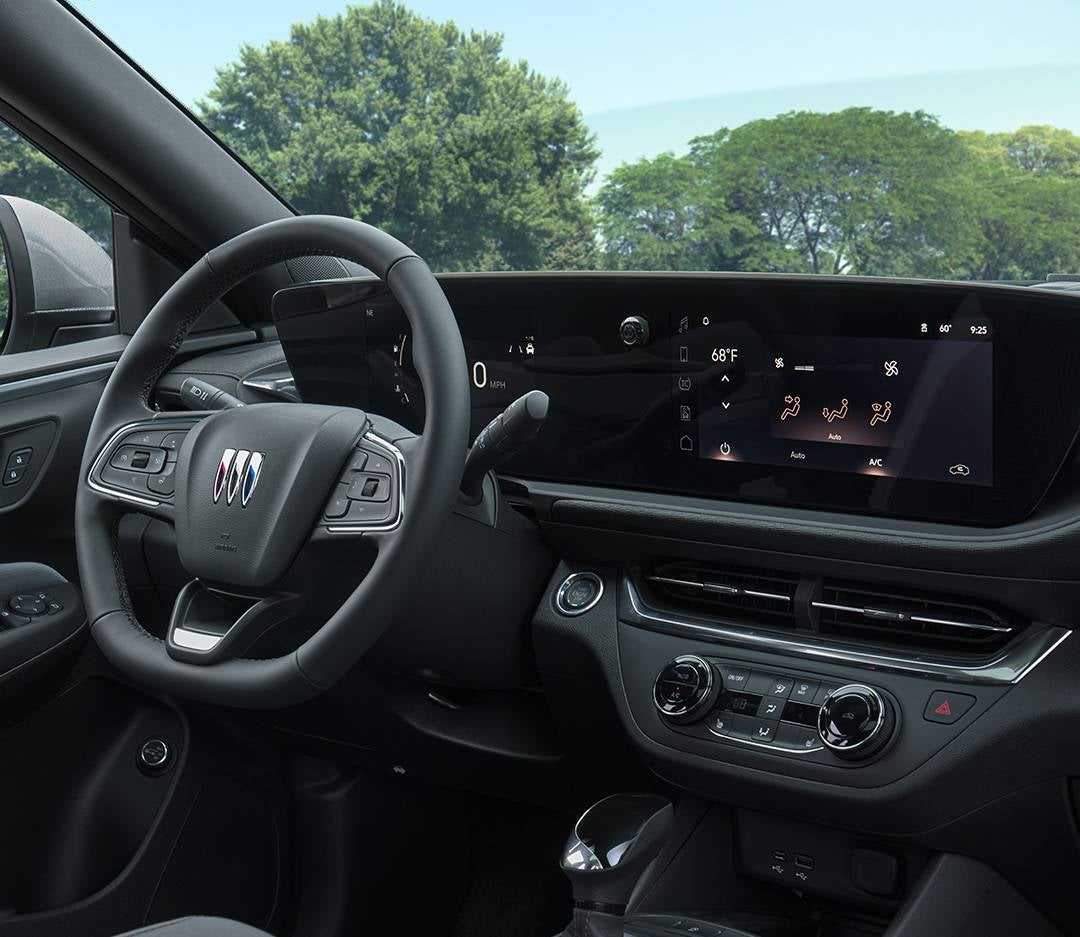
2025 Buick Envista Dash

How to Start Your Buick if Your Key Fob Battery Dies [2025]

When your Buick key fob battery dies, it can be a frustrating situation, but don’t panic—you’re not locked out for good. Buick has built-in backup systems that let you unlock and start your vehicle even if your key fob isn’t working. Whether you drive a Buick Encore GX, Envista, Envision, or Enclave, knowing the right steps can save you from unnecessary stress and get you back on the road quickly. In this guide, we’ll walk you through the dead key fob procedure for Buick vehicles, covering everything from accessing the hidden mechanical key to using your car’s keyless start system when the battery is dead. If you need assistance or a key fob battery replacement, visit Eagle Buick GMC —our team is here to help you stay prepared and keep your Buick running smoothly. View Our New Vehicles Get Directions Contact Us Understanding the Problem: What Happens When Your Key Fob Battery Dies? Your key fob is a convenient tool that allows you to lock, unlock, and start your Buick with ease. But what happens when the battery dies? You may find yourself unable to unlock your doors, start the engine, or even access keyless entry features. While this can be frustrating, it’s important to know that your Encore GX and other Buick models come with built-in backup systems that allow you to operate the vehicle even with a dead key fob. Signs of a Dead Key Fob Battery Here are some common signs that your key fob battery is running low or completely dead: Unresponsive Buttons: The fob does not lock or unlock the doors when you press the buttons. Key Fob Not Detected Warning: A warning message appears on the dashboard when you try to start the car. Intermittent Functioning: The fob works occasionally, but not consistently. Reduced Range: You must stand closer to the car for the buttons to work. If you notice any of these signs, it’s a good idea to replace your key fob battery soon. However, if the battery has already died, there are still ways to unlock and start your Buick. Unlocking Your Buick When the Key Fob Battery is Dead Even if your key fob battery is dead, you can still unlock your car using the built-in mechanical key. Most Buick models, including the Envista, have a hidden key inside the fob that allows you to access the vehicle manually. Steps to Unlock Your Buick Manually: Find the Release Button: Look for a small button or switch on the back of your key fob. Remove the Mechanical Key: Press the button to slide out the hidden key. Locate the Keyhole: Many Buicks have a concealed keyhole under a plastic cap on the driver’s door handle. If you don’t see the keyhole, check your owner’s manual. Insert and Turn the Key: Use the mechanical key to unlock the driver’s door manually. Once inside, you’ll still need to start the car. Buick vehicles are equipped with an emergency start system that allows you to do this without a working key fob battery. Using Buick’s Emergency Start System If your key fob battery is dead, your car may not detect the fob when you press the start button. Fortunately, Buick has an emergency start feature that allows you to start your car even if the key fob isn’t working. How to Use Buick’s Emergency Start System: Sit in the Driver’s Seat: Close the doors and make sure the key fob is inside the vehicle. Find the Backup Start Location: In many Buick models, including the Envision, there is a specific spot where you need to place the key fob to start the car. This is often: Inside the center console In the cupholder Near the start button Press the Brake and Start Button: While holding the key fob against the backup start location, press the brake pedal and push the start button at the same time. Wait for the Engine to Start: If done correctly, the car will recognize the key fob and start normally. This feature ensures that you won’t get stranded due to a dead key fob battery. However, once your car is running, it’s a good idea to replace the battery as soon as possible. Replacing Your Buick Key Fob Battery Replacing your key fob battery is a simple task that takes only a few minutes. If your Enclave key fob is no longer working, follow these steps to restore full functionality. How to Replace Your Buick Key Fob Battery: Open the Key Fob: Look for a small notch or groove on the side of the key fob. Use a flathead screwdriver or a coin to carefully pry the fob open. Remove the Old Battery: Take note of the battery type before removing it. Most Buick key fobs use a CR2032 coin cell battery. Insert the New Battery: Place the new battery inside with the positive (+) side facing up. Make sure the battery sits securely in place. Reassemble the Key Fob: Snap the key fob case back together until you hear a click. Test the Key Fob: Stand near your car and test the lock/unlock buttons to make sure the new battery works properly. Replacing the battery regularly ensures that your key fob remains functional and prevents unexpected issues in the future. Troubleshooting Issues: When Your Buick Still Won’t Start If you’ve tried all the above steps and your Buick still won’t start, there may be another issue preventing the car from recognizing the key fob. In some cases, the problem is simple and easy to fix, while in others, professional assistance may be needed. Possible Causes and Solutions: Dead Car Battery: If the vehicle’s battery is weak or completely dead, the push-button start system may not function. Signs of a weak battery include dim interior lights, slow engine cranking, or no response when pressing the start button. Try jump-starting the car using jumper cables and another vehicle or a portable jump starter. If the car starts, the battery may need to be replaced soon. Damaged Key Fob: If replacing the battery in the key fob doesn’t work, the fob itself may be faulty. Physical damage, water exposure, or internal electronic failure could prevent it from sending the correct signal to the car. Try using a spare key fob if available. If that works, you may need a replacement key fob, which can be programmed at Eagle Buick GMC. Ignition System Issues: If the push-start button is unresponsive, there could be a problem with the vehicle’s ignition system. A faulty starter motor, a bad ignition switch, or an issue with the car’s anti-theft system may be preventing the engine from turning over. If the dashboard lights up but the engine doesn’t crank, a professional inspection is recommended. Interference from Other Devices: Wireless signals from smartphones, other key fobs, security systems, or even strong radio waves can sometimes interfere with your key fob’s signal. Try moving the key fob away from other electronics and holding it directly against the start button. If this works, interference may have been the problem. If none of these solutions work, visit Eagle Buick GMC for expert help. Our service team can diagnose the issue, test the battery, check the key fob, and inspect the ignition system to provide a quick and reliable solution. We’re here to help get you back on the road with confidence. Preventative Measures to Avoid Getting Stranded No one likes the feeling of being stuck with a dead key fob. The good news is, there are a few simple steps you can take to prevent this from happening. By staying proactive, you can ensure that your Buick remains reliable and ready to go when you are. Tips to Keep Your Key Fob in Top Condition: Replace the Battery Regularly: Even if your key fob is working fine, it’s good practice to replace the battery every 1-2 years. Monitor Battery Life: Watch for signs of weakening battery power, like reduced range or unresponsiveness. Use Your Key Fob Regularly: Regularly pressing the buttons on your key fob helps keep it functioning smoothly. Avoid Excessive Exposure to Heat: Key fobs can be sensitive to extreme temperatures. Keep your fob out of direct sunlight and hot environments. Using Buick’s Emergency Start Feature as a Backup: Although replacing your key fob battery is a simple fix, it's still helpful to know how to use your Buick's emergency start feature. This system ensures you’re never left stranded due to a dead battery in your key fob. Know Where the Backup Location Is: Familiarize yourself with the backup start spot for your vehicle. Whether it's the cupholder, center console, or another area, this knowledge will come in handy if your fob dies unexpectedly. Test the Emergency Start System: Every so often, test the emergency start feature to make sure it works. It’s always better to be prepared. By following these preventive measures, you can greatly reduce the chances of encountering a key fob failure. If you ever do experience a problem, remember that Eagle Buick GMC is here to help with expert service and support. Frequently Asked Questions About Starting and Unlocking Your Buick with a Dead Key Fob Battery It’s common for Buick owners to have questions about their vehicles, especially regarding starting and unlocking them in emergencies. Here are some frequently asked questions along with direct answers to help you understand your options when dealing with a dead key fob battery. Does the 2025 Buick Envista come with an option to manually start the car with a key in case the key fob dies? Yes, the 2025 Buick Envista has a hidden mechanical key that allows you to unlock the doors and start the car manually if the key fob battery dies. Does the 2025 Buick Encore GX come with an option to manually start the car with a key in case the key fob dies? Yes, the 2025 Buick Encore GX also includes a hidden mechanical key for manual unlocking and starting the vehicle when the key fob battery is dead. Does the 2025 Buick Envision come with an option to manually start the car with a key in case the key fob dies? Yes, the 2025 Buick Envision features a mechanical key that can be used to unlock the doors and start the engine if the key fob battery fails. Does the 2025 Buick Enclave come with an option to manually start the car with a key in case the key fob dies? Yes, the 2025 Buick Enclave provides a mechanical key that allows for manual unlocking and starting of the vehicle in the event of a dead key fob battery. How can I unlock and start my Buick if the key fob battery is completely dead? To unlock and start your Buick with a dead key fob battery, use the hidden mechanical key to unlock the driver’s door. Then, utilize the vehicle’s emergency start feature by placing the key fob in the designated backup start location and pressing the brake pedal along with the start button. Is there a hidden key slot or backup method in Buick models? Yes, most Buick models have a hidden key slot or backup method. The mechanical key can be used to unlock the doors, and there is typically a designated area for the key fob to be placed for emergency starting. What should I do if replacing the fob battery still doesn’t let me start the car? If replacing the fob battery does not allow you to start the car, check for other issues such as a dead car battery or damage to the key fob. If the problem persists, visit a dealership or a professional locksmith for assistance. These answers provide clarity on what to do if you encounter issues with your key fob. If you have any further questions or need assistance, don't hesitate to reach out for help. Keep Your Buick Running Smoothly: Explore More Helpful Tips and Services As you can see, knowing how to start your Buick with a dead key fob battery is essential for every driver. It helps you stay prepared for unexpected situations, ensuring you can access your vehicle without stress. If you have more questions or need assistance, contact Eagle Buick GMC. Our knowledgeable team is ready to help with any concerns you may have about your vehicle or its features. We invite residents from Ozello, Lecanto, Crystal River, and Homosassa to explore our wide selection of vehicles, including the stylish Encore GX, Envista, and Envision. Each model offers a unique blend of performance, comfort, and advanced technology, making them ideal for your daily drives or weekend adventures. While you’re here, consider checking out our helpful guides on Envista oil change, Enclave oil change, and Encore GX headlights. These resources provide valuable tips to help you maintain your vehicle and ensure a smooth driving experience. These resources provide valuable tips to help you maintain your vehicle in top shape and ensure you enjoy a safe and smooth driving experience. Explore our site further for more tips, services, and vehicle options to enhance your driving journey. We look forward to helping you find the perfect Buick for your needs! Get Directions to Eagle Buick GMC Disclaimer: All information is provided for general informational and entertainment purposes only. While we strive for accuracy, we cannot guarantee that all content is complete, current, or error-free. Any reliance you place on such information is strictly at your own risk. This article may include opinions and is not endorsed by, or officially affiliated with, any vehicle manufacturer or brand. Always consult official sources – such as the vehicle’s owner’s manual, authorized dealerships, or certified professionals – for the most up-to-date and personalized information.

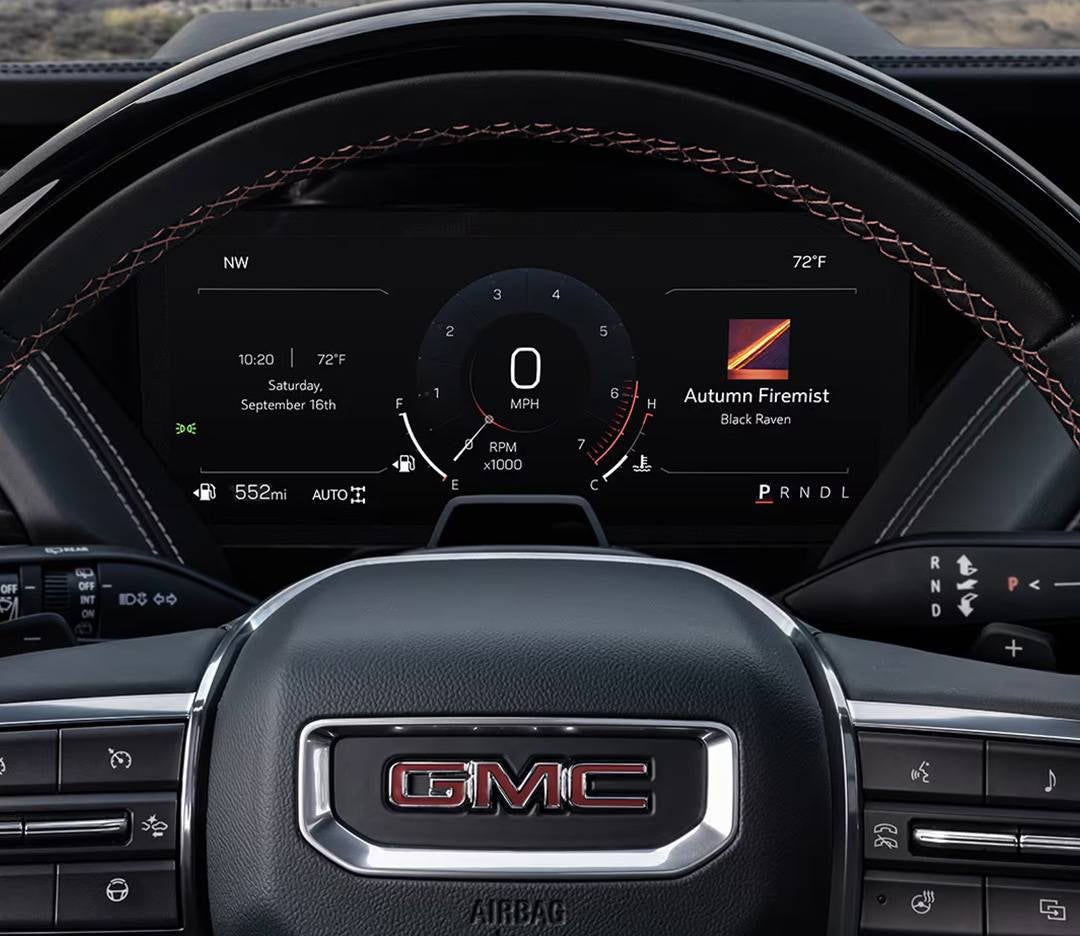
2025 GMC Yukon Dashboard

How to Start Your GMC if Your Key Fob Battery Dies [2025]

Picture this: you're ready to hit the road in your 2025 GMC Sierra 1500, Yukon, or Terrain, but when you press the start button, nothing happens. Your key fob’s battery is dead, and you're stuck wondering how to get going. Don’t panic—there are a few simple solutions to get your GMC up and running again without needing a tow. Whether you're at home in Crystal River or out on the road in Lecanto, we’ve got the tips you need to start your vehicle, even if your key fob is no longer working. From using the backup mechanical key to understanding your vehicle’s emergency start featur e, this guide covers everything you need to know. If you find yourself in a bind, don’t hesitate to contact Eagle Buick GMC in Homosassa—we’re here to ensure you're back on the road in no time. Let’s dive into how to start your GMC when the key fob battery dies! View Our New Vehicles Get Directions Contact Us Understanding the Importance of the Key Fob for Your GMC Your key fob does more than unlock your vehicle. It helps you start the engine and keeps your car secure. For the 2025 Sierra 1500, the key fob communicates with the vehicle to confirm your access. Without it, many functions may not work. A working key fob allows you to: Lock and unlock doors – Press a button instead of using a key. Start the engine – Push-button ignition requires a working fob. Use safety features – The fob connects to the alarm and security system. If your key fob’s battery dies, you may wonder how to start your GMC. Thankfully, there are backup methods that allow you to drive even if the fob is not working. What Happens When Your Key Fob Battery Dies? When the key fob battery is dead, your vehicle may not detect it. This can cause issues, but solutions exist. Common problems include: Doors won’t unlock – Remote access stops working. Engine won’t start – Push-button ignition may not recognize the fob. Security system issues – The alarm may not respond as expected. For example, in a GMC Yukon, a dead key fob may prevent starting the engine. However, you can use the GMC emergency start feature to get back on the road. Understanding these backup options can prevent frustration. Using the Backup Mechanical Key to Access Your Vehicle Even with a dead key fob, you can still enter your GMC Terrain using the built-in mechanical key. Follow these steps: Find the hidden key – Press the release button on the back of the fob. Pull out the small key. Unlock the driver’s door – Insert the key into the lock and turn. Access the vehicle – Once inside, you can use backup methods to start the engine. This method ensures you can always get into your GMC, even if the fob’s battery dies. How to Use the Designated Key Fob Slot in Your GMC Some GMC vehicles have a key fob slot for emergency starts. If your Sierra 1500 won’t start, this method may help. Locate the fob slot – Check the center console or under the cup holders. Insert the key fob – Place it in the slot, buttons facing up. Press the start button – Step on the brake and push the ignition button. If your fob battery is dead, this method allows you to start your GMC with no battery in the fob. How to Start Your GMC by Holding the Key Fob Near the Ignition Button If your Yukon does not have a designated fob slot, you can still start it with a dead fob. Hold the key fob close – Press the brake and hold the fob against the ignition button. Press the start button – The system should detect the fob and turn on the engine. This is a simple way to start your vehicle if your 2025 GMC key fob battery is dead. By learning these backup methods, you can avoid stress and keep driving with ease. What to Do If You See the "No Remote Detected" Message If your vehicle shows a "No Remote Detected" message, the system is not recognizing your key fob. This can happen if the battery is low, the fob is too far from the vehicle, or there is a signal issue. Steps to fix the issue: Check the key fob battery – If it is weak or dead, the car may not detect it. Move the fob closer – Stand near the driver’s door and try again. Use the backup start method – Some models have a GMC emergency start feature to help when the fob is not working. Try a spare key fob – If you have another fob, see if it works. If the issue continues, the key fob or vehicle may need service. How to Replace the Dead Key Fob Battery A dead key fob can cause problems, but changing the battery is simple. If your Sierra 1500 key fob stops working, a new battery can fix it. Follow these steps: Find the battery type – Most fobs use a CR2032 coin battery. Open the key fob – Use a small flat tool to pry it open. Remove the old battery – Be careful not to damage the inside. Insert the new battery – Place it in the same position as the old one. Snap the fob back together – Make sure it clicks into place. After replacing the battery, test the key fob to make sure it works. GMC Emergency Start Procedures for Key Fob Issues If your key fob battery is dead, you may still be able to start your vehicle. Many GMC models, including the Yukon, have a backup start system. How to start your GMC if the fob battery is dead: Hold the key fob near the start button – Press the brake and touch the fob to the button. Use the key fob slot – Some models have a special slot in the center console or near the cup holders. Press the start button – The vehicle should detect the fob and turn on. This method allows you to start your GMC with no battery in the fob until you can replace it. Seeking Help from Your Local GMC Dealership If none of the backup methods work, it may be time to get help. Your local dealership can check your fob and vehicle system. Reasons to visit a dealership: The key fob is damaged or unresponsive. A new battery does not fix the issue. The vehicle does not start even with a working fob. For owners of the GMC Terrain, a dealership can also program a new key fob if needed. If you experience ongoing issues, scheduling a service appointment may be the best solution. Frequently Asked Questions About Starting Your GMC with a Dead Key Fob When your key fob's battery dies, it can be frustrating and inconvenient. Below are answers to common questions about manually starting various 2025 GMC models when faced with a dead key fob. Does the 2025 GMC Sierra 1500 come with an option to manually start the car with a key in case the key fob dies? Yes, the 2025 GMC Sierra 1500 provides a method to start the vehicle when the key fob battery is dead. You can place the key fob in the designated transmitter pocket, typically located inside the center console, to start the engine. Does the 2025 GMC Sierra HD come with an option to manually start the car with a key in case the key fob dies? Yes, the 2025 GMC Sierra HD offers a way to start the vehicle if the key fob battery is dead. By placing the key fob in the designated transmitter pocket, usually found in the center console, you can start the engine. Does the 2025 GMC Canyon come with an option to manually start the car with a key in case the key fob dies? Yes, the 2025 GMC Canyon allows you to start the vehicle when the key fob battery is dead. Placing the key fob in the designated transmitter pocket, typically located in the center console, enables engine start. Does the 2025 GMC Acadia come with an option to manually start the car with a key in case the key fob dies? Yes, the 2025 GMC Acadia provides a method to start the vehicle if the key fob battery is dead. By placing the key fob in the designated transmitter pocket, usually found in the center console, you can start the engine. Does the 2025 GMC Terrain come with an option to manually start the car with a key in case the key fob dies? Yes, the 2025 GMC Terrain allows you to start the vehicle when the key fob battery is dead. Placing the key fob in the designated transmitter pocket, typically located in the center console, enables engine start. Does the 2025 GMC Hummer EV SUV come with an option to manually start the car with a key in case the key fob dies? Yes, the 2025 GMC Hummer EV SUV offers a method to start the vehicle if the key fob battery is dead. Placing the key fob in the rear cup holder allows the vehicle to recognize the fob and start the engine. Does the 2025 GMC Hummer EV Pickup come with an option to manually start the car with a key in case the key fob dies? Yes, the 2025 GMC Hummer EV Pickup provides a way to start the vehicle when the key fob battery is dead. By placing the key fob in the rear cup holder, the vehicle can detect the fob and start the engine. Does the 2025 GMC Sierra EV come with an option to manually start the car with a key in case the key fob dies? Yes, the 2025 GMC Sierra EV allows you to start the vehicle if the key fob battery is dead. Placing the key fob in the designated transmitter pocket, typically located in the center console, enables engine start. Does the 2025 GMC Yukon come with an option to manually start the car with a key in case the key fob dies? Yes, the 2025 GMC Yukon provides a method to start the vehicle when the key fob battery is dead. By placing the key fob in the designated transmitter pocket, usually found in the center console, you can start the engine. Does the 2025 GMC Yukon XL come with an option to manually start the car with a key in case the key fob dies? Yes, the 2025 GMC Yukon XL offers a way to start the vehicle if the key fob battery is dead. Placing the key fob in the designated transmitter pocket, typically located in the center console, allows engine start. Does the 2025 GMC Savana Cargo come with an option to manually start the car with a key in case the key fob dies? Yes, the 2025 GMC Savana Cargo allows you to start the vehicle when the key fob battery is dead. By placing the key fob in the designated transmitter pocket, usually found in the center console, you can start the engine. Does the 2025 GMC Savana Passenger come with an option to manually start the car with a key in case the key fob dies? Yes, the 2025 GMC Savana Passenger provides a method to start the vehicle if the key fob battery is dead. Placing the key fob in the designated transmitter pocket, typically located in the center console, enables engine start. Does the 2025 GMC Savana Cutaway come with an option to manually start the car with a key in case the key fob dies? Yes, the 2025 GMC Savana Cutaway offers a way to start the vehicle when the key fob battery is dead. By placing the key fob in the designated transmitter pocket, usually found in the center console, you can start the engine. Does the 2025 GMC Sierra 3500 HD Chassis Cab come with an option to manually start the car with a key in case the key fob dies? Yes, the 2025 GMC Sierra 3500 HD Chassis Cab provides a method to start the vehicle when the key fob battery is dead. By placing the key fob in the designated transmitter pocket, typically located in the center console, you can start the engine. Which GMC models offer a manual ignition override if the key fob is dead? GMC models such as the Sierra 1500, Sierra HD, Canyon, Acadia, Terrain, Yukon, and others provide options to override the key fob and start the vehicle manually when the battery is dead. How do I access the emergency key blade on a GMC fob? To access the emergency key blade, locate the small latch or button on the back of the key fob. Press this latch to release the key blade from the fob. Are there special procedures for push-button start GMC vehicles with a dead fob battery? Yes, push-button start GMC vehicles have procedures that may include using the key fob in the designated slot or holding it close to the ignition button to start the engine when the fob battery is dead. Explore More with Eagle Buick GMC At Eagle Buick GMC, we are here to help you with more than just vehicle sales. Whether you're from Ozello, Lecanto, Crystal River, or Homosassa, we invite you to explore our wide selection of vehicles, including the Sierra 1500, Yukon, and Terrain. We offer the perfect GMC model to fit your needs and lifestyle. If you’re having trouble with your vehicle’s key fob, we understand the importance of keeping your car running smoothly. But did you know that headlights also play an essential role in your driving experience? If you're unsure how to change the headlights in your 2025 Buick Envision, Buick Envista, or Buick Encore GX, we have the details you need. Feel free to check out our helpful guides on how to change your headlights, and let us assist you in making your Buick or GMC ownership experience easier. When you’re ready to learn more or need assistance, don't hesitate to contact us for personalized help. Visit Eagle Buick GMC and continue exploring our services today! Get Directions to Eagle Buick GMC Disclaimer: All information is provided for general informational and entertainment purposes only. While we strive for accuracy, we cannot guarantee that all content is complete, current, or error-free. Any reliance you place on such information is strictly at your own risk. This article may include opinions and is not endorsed by, or officially affiliated with, any vehicle manufacturer or brand. Always consult official sources – such as the vehicle’s owner’s manual, authorized dealerships, or certified professionals – for the most up-to-date and personalized information.

2025 GMC Badge

GMC Trim Levels Explained [2025]

Choosing the right GMC vehicle is about more than just picking a model—it’s about finding the perfect trim level to match your lifestyle. Whether you're after a rugged work truck, a family-friendly SUV, or a premium luxury ride, the 2025 GMC lineup has something for everyone. From the versatile Sierra 1500 to the adventure-ready Terrain and spacious Acadia, each trim level offers unique features, performance upgrades, and design enhancements. In this guide, we’ll break down GMC trim levels explained , helping you navigate the options and make an informed decision. If you’re in Ozello, Lecanto, Crystal River, or Homosassa, visit Eagle Buick GMC to explore these vehicles in person or contact our team for expert guidance. Let’s find the GMC truck or SUV trim that’s right for you. View Our New Vehicles Get Directions Contact Us The Importance of GMC Trim Levels in Choosing Your Next Vehicle When it comes to buying a GMC vehicle, understanding the trim levels is essential. Trim levels define the features, capabilities, and design of your vehicle. They offer a wide range of choices, from more basic, budget-friendly options to premium trims with extra features and luxury touches. Each trim level serves a different need. You might be looking for more power, better comfort, or advanced technology. Understanding the GMC trim levels explained 2025 will guide you to the best choice for your lifestyle. Why trim levels matter: Customization: Trim levels allow you to choose specific features, like upgraded interiors or off-road performance options. Budget Flexibility: More affordable trims give you options that stay within your budget, while higher trims offer more luxury and advanced tech. Features: Higher trims typically come with advanced features such as premium sound systems, larger wheels, or enhanced safety technology. Performance: Some trims offer more powerful engines, towing capacities, and specialized performance options that align with your needs. When you're considering a Sierra 1500, choosing the right trim can completely change your driving experience. Make sure to explore all the options before you decide. If you’re ready to get started or have questions, Eagle Buick GMC is here to help. Visit us in person or contact our team for more details about GMC trims and 2025 options. Exploring the 2025 GMC Sierra 1500 Trim Levels The 2025 GMC Sierra 1500 is a versatile truck designed for performance and comfort. With several trim levels, it’s easy to find the right fit. Whether you need a workhorse or a luxury vehicle, the Sierra offers something for every driver. Available trims for the 2025 Sierra 1500: Work Truck (WT): Simple, functional, and built for hard work. SLE: Mid-range trim with added comfort and technology features. SLT: A step up in luxury, with premium features and enhanced design. AT4: Off-road ready with rugged features for outdoor adventures. Denali: High-end trim with all the bells and whistles—perfect for those who want luxury and performance. Denali Ultimate: The top-tier trim with the best features GMC offers, including advanced technology and a sophisticated interior. Each trim level offers unique features, and selecting the right one will depend on your preferences and needs. Some trims, like the AT4, are designed with adventure in mind, while the Denali caters to those who want a more luxurious experience. If you’re also considering an Acadia, it's worth comparing both models to see which one fits your requirements. For those who need a more capable truck, the Sierra 1500 will not disappoint. Visit Eagle Buick GMC for a closer look at the 2025 Sierra 1500 trims. We’re happy to answer any questions and help you choose the right vehicle for your needs. 2025 GMC Acadia Trim Levels: Elevation, AT4, and Denali The 2025 GMC Acadia offers three trim levels: Elevation, AT4, and Denali. Each is designed to meet different driving needs, from everyday commuting to off-road adventures and premium comfort. Here’s a breakdown of what each trim offers: Elevation The Elevation trim is the entry-level model, focusing on practicality and technology. It includes: HD Surround Vision for improved safety and visibility A 15" GMC Premium Infotainment System for seamless connectivity and entertainment AT4 Built for those who love off-road adventures, the AT4 trim enhances the Acadia’s capability with: Standard all-wheel drive for better control on rough terrain Off-road suspension and all-terrain tires for added durability Skid plates and recovery hooks for extra protection and utility Denali For a luxury experience, the Denali trim offers high-end features, including: Power-folding rear seats for convenience and versatility Memory settings for the driver’s seat and exterior mirrors Ventilated front seats for enhanced comfort in all weather conditions Whether you need a versatile SUV for daily driving, an off-road-ready vehicle, or a premium luxury experience, the 2025 GMC Acadia delivers with its well-equipped trim levels. Understanding the 2025 GMC Terrain Trim Levels The 2025 GMC Terrain is a compact SUV with a variety of trim levels, offering versatility and modern features. Whether you’re looking for something budget-friendly or packed with tech, there’s a Terrain trim that fits your needs. Available trims for the 2025 Terrain: SL: The entry-level trim with essential features. SLE: Adds more convenience and comfort with upgraded tech. SLT: A mid-level trim with more luxury features. Denali: The top trim, offering the highest level of luxury and performance. With a GMC model comparison between the Terrain and other SUVs, like the Sierra 1500, you can easily see how these vehicles cater to different needs. The Terrain is perfect for those seeking a smaller SUV with a smooth drive and efficient fuel economy. Visit Eagle Buick GMC to test drive the Terrain and explore all its trim options. Our team can help you find the right GMC model for your lifestyle. GMC Sierra 2500HD: Heavy Duty Performance for Tough Jobs If you're looking for a heavy-duty truck, the GMC Sierra 2500HD is designed for tough tasks. This truck offers excellent towing power, rugged durability, and a choice of trim levels to suit your needs. Available trims for the 2025 Sierra 2500HD: Work Truck (WT): Built for work with minimal frills. SLE: Offers more features without breaking the bank. SLT: Luxury and performance in one package. AT4: Designed for off-road capability, perfect for outdoor tasks. Denali: High-end features and top-tier performance. Whether you're working on a job site or taking on a tough towing task, the Sierra 2500HD is built to get it done. Explore the GMC trim levels explained 2025 at Eagle Buick GMC. We're here to help you choose the Acadia or Sierra 2500HD that fits your needs. The 2025 GMC Yukon Trim Levels: A Full-Size SUV for Every Need The 2025 GMC Yukon is a full-size SUV built for families, adventurers, and professionals. It offers a spacious interior, advanced technology, and strong performance. As part of the GMC lineup 2025, the Yukon provides options for various needs. The Yukon comes in multiple trim levels, each offering unique features: SLE – The base model includes a large touchscreen, a rearview camera, and standard safety features. SLT – Adds leather seats, heated front seats, and a premium sound system for extra comfort. AT4 – Designed for off-road use with all-terrain tires, skid plates, and a rugged design. Denali – Offers luxury with high-end materials, advanced technology, and premium comfort. Denali Ultimate – Includes all Denali features plus even more high-end tech and luxury touches. The Yukon is an excellent choice for those needing more space and power. If you prefer a smaller SUV, the Terrain may be a better fit. Both models offer unique strengths for different lifestyles. Visit Eagle Buick GMC to explore the Yukon and its trim levels. Our team can help you find the perfect full-size SUV. How to Choose the Right GMC Trim for Your Needs Choosing the right trim for your GMC vehicle depends on several factors. The best trim for you will match your lifestyle, budget, and feature preferences. Here’s what to consider when selecting a GMC truck & SUV trim: Purpose – Will you use the vehicle for work, family, or off-road adventures? Budget – Higher trims offer more features but also come at a higher cost. Features – Make a list of must-have features like advanced tech, safety systems, or premium interiors. Performance Needs – If you need towing power or off-road capability, look for trims built for those tasks. The Sierra 1500 offers options designed for heavy-duty work. Passenger and Cargo Space – Large families or frequent travelers may prefer more spacious trims with added comfort. By focusing on these factors, you can find a trim level that fits your lifestyle. Need guidance? The team at Eagle Buick GMC is here to help. GMC Model Comparison: How the Sierra 1500, Canyon, and Terrain Differ in Trim Levels When comparing GMC models, trim levels play a big role in choosing the right vehicle. The Sierra 1500, Acadia, and Terrain each offer unique benefits to fit different lifestyles. Sierra 1500 Trim Levels: Pro, SLE, SLT, AT4, Denali, Denali Ultimate Strengths: Powerful engine options, high towing capacity, and a durable build Best For: Heavy-duty work, towing, and off-road adventures Acadia Trim Levels: Elevation, AT4, Denali Strengths: Spacious interior, off-road capability, and advanced technology Best For: Families, road trips, and light off-roading Terrain Trim Levels: SLE, SLT, AT4, Denali Strengths: Smooth handling, advanced safety features, and a comfortable interior Best For: Family use, city driving, and long road trips Key Differences Size – The Sierra 1500 is a full-size truck, the Acadia is a midsize SUV, and the Terrain is a compact SUV. Towing Capacity – The Sierra 1500 has the highest towing ability, Acadia has moderate towing capability, and Terrain is best for everyday needs. Passenger Space – The Acadia offers three rows of seating, the Sierra 1500 provides ample cabin space, and the Terrain is ideal for smaller families. Off-Road Capability – The Sierra 1500 and Acadia have off-road trims, while the Terrain has limited off-road options. Each model is designed for a different purpose. If you need a powerful work truck, the Sierra 1500 is an excellent option. The Acadia provides a blend of family-friendly comfort and adventure-ready performance. For those who prioritize efficiency and city driving, the Terrain is a great choice. Explore these models at Eagle Buick GMC to find the right fit for your needs. Our experts can help you compare trim levels and features. 2025 GMC Trim Levels: Frequently Asked Questions When selecting a GMC vehicle, understanding the available trim levels is crucial to finding the model that best suits your needs. Below are some frequently asked questions to help guide your decision: What trims are available on the 2025 GMC Sierra 1500? The 2025 GMC Sierra 1500 offers several trims, including Pro, SLE, Elevation, SLT, AT4, AT4X, Denali, and Denali Ultimate. What trims are available on the 2025 GMC Sierra HD? The 2025 GMC Sierra HD is available in Pro, SLE, SLT, AT4, and Denali trims. What trims are available on the 2025 GMC Canyon? The 2025 GMC Canyon comes in Elevation, AT4, AT4X, and Denali trims. What trims are available on the 2025 GMC Acadia? The 2025 GMC Acadia is offered in Elevation, AT4, and Denali trims. What trims are available on the 2025 GMC Terrain? The 2025 GMC Terrain is available in a single trim configuration. What trims are available on the 2025 GMC Hummer EV SUV? The 2025 GMC Hummer EV SUV offers trims such as 2X and 3X. What trims are available on the 2025 GMC Hummer EV Pickup? The 2025 GMC Hummer EV Pickup is available in 2X and 3X trims. What trims are available on the 2025 GMC Sierra EV? The 2025 GMC Sierra EV offers trims including Denali Extended Range and Denali Max Range. What trims are available on the 2025 GMC Yukon? The 2025 GMC Yukon comes in SLE, SLT, AT4, Denali, and Denali Ultimate trims. What trims are available on the 2025 GMC Yukon XL? The 2025 GMC Yukon XL is available in Denali, Denali Ultimate, and Elevation trims. What trims are available on the 2025 GMC Savana Cargo? The 2025 GMC Savana Cargo offers Work Van trims in 2500 and 3500 configurations. What trims are available on the 2025 GMC Savana Passenger? The 2025 GMC Savana Passenger is available in LS and LT trims. What trims are available on the 2025 GMC Savana Cutaway? The 2025 GMC Savana Cutaway offers Work Van trims in 3500 and 4500 configurations. What trims are available on the 2025 GMC Sierra 3500 HD Chassis Cab? The 2025 GMC Sierra 3500 HD Chassis Cab is available in Pro, SLE, SLT, and Denali trims. What are the main trim levels in the 2025 GMC lineup, and how do they differ? The main trims across the 2025 GMC lineup include: Pro/SLE/SLT – Base to mid-level trims offering essential features and functionalities. Elevation – Focuses on bold styling and distinctive design elements. AT4/AT4X – Designed for off-road capabilities with enhanced suspension and rugged features. Denali/Denali Ultimate – Luxury-oriented trims with premium materials and advanced technologies. Do premium trims like Denali include unique performance or tech features? Yes, Denali trims often include unique performance enhancements and advanced tech features not found in lower trims. How does pricing escalate among various GMC trims (base to high-end)? Pricing typically increases with higher trims due to added features, luxury materials, and advanced technologies. For example, the 2025 GMC Yukon XL ranges from $70,845 for base trims to $82,495 for the Denali Ultimate trim. Understanding these trim levels and their features can significantly aid in selecting the GMC vehicle that best aligns with your preferences and requirements. Explore GMC Trim Levels and Find Your Perfect Vehicle GMC offers a range of trim levels to match different driving needs, from work-ready trucks to luxury SUVs. Whether you’re interested in the rugged Sierra 1500, the family-friendly Acadia, or the versatile Terrain, each model has unique features to meet your needs. If you’re in Ozello, Lecanto, Crystal River, or Homosassa, we invite you to visit Eagle Buick GMC to explore our wide selection of vehicles. Our knowledgeable team is here to assist you in finding the perfect GMC model that fits your lifestyle and preferences. We also encourage you to continue exploring our website for valuable information, including guides on essential maintenance. For example, check out our articles on how to change the oil in your 2025 Buick Envista or 2025 Buick Enclave. You can also learn how to change the headlights in your 2025 Buick Encore GX. These resources will help you keep your vehicle running smoothly and efficiently. If you have questions or need more information, don’t hesitate to contact Eagle Buick GMC. We’re here to help you every step of the way! Get Directions to Eagle Buick GMC Disclaimer: All information is provided for general informational and entertainment purposes only. While we strive for accuracy, we cannot guarantee that all content is complete, current, or error-free. Any reliance you place on such information is strictly at your own risk. This article may include opinions and is not endorsed by, or officially affiliated with, any vehicle manufacturer or brand. Always consult official sources – such as the vehicle’s owner’s manual, authorized dealerships, or certified professionals – for the most up-to-date and personalized information.

2025 GMC Yukon XL

2025 GMC Yukon XL vs Cadillac Escalade ESV: Which Three Row SUV is Right for You?

When it comes to full-size, three-row SUVs, few can match the power, space, and luxury of the 2025 GMC Yukon XL and Cadillac Escalade ESV. Both vehicles are packed with impressive features, offering unmatched comfort for large families, cutting-edge technology, and the ability to tackle any adventure with ease. Whether you prioritize towing power, high-end interiors, or innovative tech, these two SUVs deliver everything you need to make every journey memorable. But with such similar offerings, how do you know which one is the right fit for you? In this article, we’ll dive into the details of each SUV to help you make an informed decision. From performance and towing capacity to interior comfort and safety features, we’ll break down what sets the Yukon XL and Escalade ESV apart. Ready to experience the difference for yourself? Visit us at Eagle Buick GMC or get in touch with our team today to find out how one of these exceptional SUVs can elevate your driving experience. View Our New Vehicles Get Directions Contact Us Performance & Powertrain: Power Meets Efficiency Both the 2025 GMC Yukon XL and Cadillac Escalade ESV bring plenty of muscle to the table, offering powerful engine options to suit various needs. Whether you're looking for strong towing capacity or smooth, efficient driving, each SUV delivers performance with a purpose. The key difference lies in the performance goals each vehicle prioritizes—raw power versus a refined driving experience. GMC Yukon XL: Base Engine: 5.3L V8 engine with 355 horsepower and 383 lb-ft of torque. Available Engine: 6.2L V8 engine with 420 horsepower and 460 lb-ft of torque. Diesel Option: 3.0L Duramax turbo-diesel engine with 277 horsepower and 460 lb-ft of torque. Cadillac Escalade ESV: Base Engine: 6.2L V8 engine with 420 horsepower and 460 lb-ft of torque (same as Yukon XL's top engine). Diesel Option: 3.0L Duramax turbo-diesel engine with 277 horsepower and 460 lb-ft of torque. While both vehicles offer similar engine options, the Yukon XL stands out with its choice of the 5.3L V8, giving buyers more flexibility in engine selection. If you need more power, the Escalade ESV has a refined 6.2L V8 as the base engine, ideal for those who seek a powerful yet smooth ride. Both vehicles also offer the Duramax diesel engine, providing excellent towing power with better fuel efficiency. Ultimately, whether you opt for the rugged Yukon XL or the upscale Escalade ESV, you'll enjoy a high-performance SUV designed for power and efficiency. The decision comes down to your preferences for engine variety and driving feel. Interior Design & Comfort: Spacious Luxury or Practical Luxury? When it comes to interior design and comfort, the Yukon XL and Escalade ESV take two different approaches. One leans towards practicality, while the other focuses on refined luxury. Let's take a closer look at what each SUV offers inside. GMC Yukon XL: Seating Capacity: Up to 8 passengers. Interior Features: Premium materials on higher trims like the Denali, including leather upholstery, wood accents, and soft-touch materials. Space: Ample room for passengers, especially in the third row, which comfortably accommodates adults. Tech: A user-friendly Infotainment System with a 10.2-inch touchscreen, Apple CarPlay, Android Auto, and available premium audio. Cadillac Escalade ESV: Seating Capacity: 7 or 8 passengers, with luxurious seating options. Interior Features: Premium leather, wood trim, and suede accents on higher trims. Massaging Seats and 16-way power-adjustable front seats elevate the comfort level. Space: More upscale, with a focus on luxurious materials and a spacious, airy cabin. Tech: Features a stunning 38-inch curved OLED display, offering a futuristic tech experience, alongside a premium AKG Studio audio system. If you're looking for a more practical, spacious family-friendly ride, the Yukon XL delivers with its expansive cabin and straightforward, yet refined features. However, if your priority is a premium, high-end interior experience with the latest tech, the Escalade ESV offers a level of luxury that's hard to beat. The Escalade is all about sophistication, while the Yukon XL strikes a balance between utility and comfort. Technology & Safety: High-Tech Features for Peace of Mind Both the Yukon XL and Escalade ESV come loaded with advanced technology and safety features, providing peace of mind for drivers and passengers. But when comparing the two, there are some notable differences in their tech offerings. GMC Yukon XL: Safety Features: Includes Adaptive Cruise Control, Lane Keep Assist, Automatic Emergency Braking, and the ProGrade Trailering System for safer towing. Infotainment System: 10.2-inch touchscreen with Apple CarPlay, Android Auto, Wi-Fi hotspot, and Amazon Alexa integration. Camera Systems: 360-degree camera system for easier parking and maneuvering. Cadillac Escalade ESV: Safety Features: Adds more premium options, including Night Vision, Surround Vision, and Front & Rear Automatic Braking. Infotainment System: Features a futuristic 38-inch curved OLED display, seamlessly integrating the instrument cluster and infotainment system. Additional Tech: Super Cruise (available in some trims) offers hands-free driving on certain highways, along with Automated Parking Assist for easier parking. The Yukon XL is well-equipped with a variety of safety and tech features, especially for families and towing. The Escalade ESV, on the other hand, takes things a step further with its luxury tech features, such as the OLED display and Super Cruise system. If you value cutting-edge technology, the Escalade might be the better choice. But for everyday convenience and reliability, the Yukon XL provides more than enough. Towing Capabilities: Ready for Heavy Loads? When it comes to towing capacity, both the Yukon XL and Escalade ESV are built to handle heavy loads, but there are some differences in their maximum towing capabilities. GMC Yukon XL: Maximum Towing Capacity: Up to 8,400 lbs when equipped with the 6.2L V8 engine. Diesel Option: The 3.0L Duramax diesel engine offers a towing capacity of 8,000 lbs, providing a balance of power and fuel efficiency. Cadillac Escalade ESV: Maximum Towing Capacity: Up to 8,200 lbs with the 6.2L V8 engine. Diesel Option: The 3.0L Duramax diesel engine offers a similar towing capacity of 8,000 lbs. The Yukon XL edges out the Escalade ESV when it comes to maximum towing capacity, but both vehicles can easily handle most heavy-duty tasks, such as hauling trailers, boats, or campers. If towing power is a top priority, the Yukon XL gives you a slight advantage. Pricing & Value: Luxury and Budget Considerations While both the Yukon XL and Escalade ESV offer high-end features, their price points reflect the differences in luxury and brand positioning. GMC Yukon XL: Base Price: Starts around $70,200 for the SLE trim. Top Trim Price: Can rise to over $82,495 for the Denali trim with all premium options. Cadillac Escalade ESV: Base Price: Starts around $96,095 for the Luxury trim. Top Trim Price: Prices can exceed $121,895 for the Platinum trim, offering the highest level of luxury. If you’re looking for a more affordable option without sacrificing power or space, the Yukon XL offers a great value. However, if you’re willing to spend more for additional luxury, advanced technology, and a more refined driving experience, the Escalade ESV is the clear choice. Both SUVs deliver excellent value in their respective segments, but your budget and priorities will help guide your decision. Which Full-Size SUV Is the Right Fit for You? Choosing the right full-size SUV depends on your priorities. Both the Yukon XL and Escalade ESV offer exceptional space, power, and luxury, but each caters to slightly different needs. The Yukon XL is a solid choice for those who value practicality and versatility, while the Escalade ESV appeals to those who prefer a more luxurious and refined experience. Yukon XL: Ideal for Families and Utility Space: Offers ample seating for up to 8 passengers, making it great for large families or group trips. Towing Capacity: Can handle heavy loads with a maximum towing capacity of 8,400 lbs. Practical Features: Known for its strong balance of power and utility, with easy-to-use tech and storage space. Escalade ESV: Luxury and Technology Space: Also seats up to 8 passengers but places a greater emphasis on luxury features. Towing Capacity: Tows up to 8,200 lbs, slightly less than the Yukon XL, but still impressive. Luxury Features: A more upscale experience with premium materials, cutting-edge tech, and advanced comfort options. Summary: If you're looking for a rugged, family-friendly SUV with plenty of room for gear and people, the Yukon XL is the way to go. However, if you want to indulge in high-end luxury, the Escalade ESV offers a more refined experience. Both SUVs are capable and spacious, but your choice will depend on whether you prioritize luxury or practicality. Frequently Asked Questions: 2025 GMC Yukon XL vs Cadillac Escalade ESV Here’s a list of frequently asked questions (FAQs) that will help you compare the 2025 Yukon XL and Escalade ESV. Understanding the differences in these areas will help you determine which full-size SUV is best suited for your needs. What are the main differences in size and interior space between the 2025 Yukon XL and Escalade ESV? Yukon XL: The Yukon XL offers more cargo space and a longer wheelbase, providing room for up to 8 passengers. The cabin is designed with practicality in mind, offering generous space in the third row and cargo area. Escalade ESV: While similar in size, the Escalade ESV focuses more on luxury and comfort. It offers a refined interior with premium materials and a slightly higher quality finish. The third-row seating and cargo space are comparable, but the Escalade's focus is more on upscale appointments. How do the performance and engine options compare in these two GM SUVs? Both the Yukon XL and Escalade ESV offer robust engine options, including a 5.3L V8 and a 6.2L V8. The Escalade ESV comes standard with the more powerful 6.2L V8 engine, while the Yukon XL offers the 5.3L V8 as standard, with the 6.2L V8 available in higher trims. The Escalade ESV generally offers more horsepower and torque, making it the more performance-oriented choice. Which SUV offers more advanced technology and luxury features for passengers? The Escalade ESV is the clear winner when it comes to luxury features and technology. It comes with a larger 38-inch curved OLED display, more advanced driver-assistance features, and higher-end materials throughout the cabin. The Yukon XL offers many tech features but is more utilitarian and family-focused in comparison, with a smaller screen and fewer premium options. Are there significant differences in towing capacity and payload between the Yukon XL and Escalade ESV? Yukon XL: Has a maximum towing capacity of up to 8,400 lbs, making it suitable for heavy-duty towing tasks. Escalade ESV: Towing capacity is slightly lower at 8,200 lbs, but still impressive. Both vehicles offer substantial towing abilities, but the Yukon XL edges ahead in raw towing power. How do the safety ratings and driver-assistance packages differ for the 2025 models? Both the Yukon XL and Escalade ESV come with advanced safety features, such as automatic emergency braking, lane-keeping assist, and adaptive cruise control. The Escalade ESV has additional advanced safety tech as standard, like the Super Cruise hands-free driving system. Safety ratings for both models are excellent, but the Escalade ESV has a slight edge in high-tech safety features. Which SUV provides better value when considering cost of ownership and potential resale value? The Yukon XL offers better value in terms of initial cost and lower cost of ownership over time. Its robust build and longevity make it a good choice for those looking to maximize value. The Escalade ESV is a luxury vehicle, so its initial price is higher, but it retains a strong resale value due to its high-end features and status. The Yukon XL may be better for those focused on cost-efficiency, while the Escalade ESV is better for those seeking premium quality. Do the Yukon XL and Escalade ESV share the same drivetrain or suspension components, and how does that affect ride quality? Both SUVs share a similar underlying structure, including the drivetrain and suspension components, but the Escalade ESV has an upgraded suspension system with Magnetic Ride Control. This results in a smoother and more refined ride in the Escalade ESV, particularly on rough terrain. The Yukon XL offers a slightly firmer ride, prioritizing durability and capability. What are the notable trim levels for each vehicle, and which features come as standard versus optional upgrades? Yukon XL: Key trims include the SLE, SLT, AT4, and Denali. Standard features on the SLE include cloth seats, a 10.2-inch touchscreen, and a 5.3L V8 engine. Higher trims, like the Denali, offer premium leather upholstery, a 6.2L V8 engine, and advanced tech options. Escalade ESV: Trims include Luxury, Premium Luxury, and Sport. The base Luxury trim includes leather seating, a 38-inch curved OLED display, and advanced driver-assistance tech. The Premium Luxury trim adds upgraded materials and more luxury features, while the Sport trim focuses on a more performance-oriented setup with blacked-out accents. Explore More with Eagle Buick GMC: Your Next SUV Awaits As you consider which full-size SUV is the best fit for your needs, take a moment to explore the wide selection of vehicles at Eagle Buick GMC. If you're in Ozello, Lecanto, Crystal River, or Homosassa, our team is here to help you find the perfect match. Whether you're looking for the spacious 2025 GMC Yukon XL or another vehicle, we have a variety of options to suit your lifestyle. While exploring your options, you can also find helpful resources on maintaining your vehicle, like how to change the headlights in your 2025 Buick Envision or how to change the oil in your 2025 Buick Enclave. Whether you’re looking for guidance on brake pads vs. brake calipers or other vehicle maintenance tips, we’re here to help. Visit us today, and let’s find the perfect SUV for you. Get Directions to Eagle Buick GMC Disclaimer: All information is provided for general informational and entertainment purposes only. While we strive for accuracy, we cannot guarantee that all content is complete, current, or error-free. Any reliance you place on such information is strictly at your own risk. This article may include opinions and is not endorsed by, or officially affiliated with, any vehicle manufacturer or brand. Always consult official sources – such as the vehicle’s owner’s manual, authorized dealerships, or certified professionals – for the most up-to-date and personalized information.

Sleek blue SUV with a modern design, prominent front grille, and chrome accents parked against a neutral stone background, conveying a sense of sophistication.

How to Change the Headlights in Your 2025 Buick Envision

Driving your 2025 Buick Envision through the scenic roads of Crystal River or Pine Ridge, nothing is more important than clear, bright headlights that keep you safe on the road. Over time, headlights can dim or burn out, leaving you in the dark—literally! But don’t worry, replacing the headlights in your Buick Envision is simpler than you might think. Whether you’re dealing with a single bulb or replacing both, this step-by-step guide will walk you through the entire process so you can get back to driving with confidence. If at any point you feel unsure about the process or need assistance, Eagle Buick GMC is here for you. Our expert team is always ready to help, whether you’re looking for parts, advice, or a professional hand in the headlight replacement process. Don’t hesitate to contact us or visit our dealership to explore Buick Envision models and more. We’re committed to keeping your vehicle in top shape, so let’s dive into how to change those headlights and keep your Buick Envision shining bright! View Our New Vehicles Get Directions Contact Us Why Headlight Maintenance is Crucial for Your Buick Envision Proper headlight maintenance is vital for your safety and the safety of others on the road. When driving at night or in low visibility conditions, functioning headlights are your main source of visibility. Failing headlights can put you at risk of accidents, and even a small issue can become a bigger safety concern over time. Here are a few reasons why maintaining your Buick Envision headlights is crucial: Improved Visibility: Bright headlights help you see clearly, especially during night drives or when the weather is poor. Increased Safety: Clear headlights make you more visible to other drivers, reducing the chances of collisions. Legal Requirements: Working headlights are required by law in many areas. Failing to replace broken bulbs can lead to fines or even vehicle inspection failures. Cost Efficiency: Changing headlights early can help avoid expensive repairs or issues caused by electrical damage from faulty bulbs. Headlight maintenance for your Buick Envision helps you stay safe and drive confidently on roads in Crystal River, Sugarmill Woods, and beyond. Regular checks ensure you avoid any unexpected surprises on your trips. Tools and Materials Needed for Buick Envision Headlight Replacement Before you begin changing the headlights in your Buick Envision, make sure you have the necessary tools and materials. Gathering everything ahead of time will make the process smoother and quicker. Here’s what you’ll need to replace the headlights in your Buick Envision: Replacement Headlight Bulbs: Always use the correct type of bulb for your Buick Envision’s headlight system. Flathead Screwdriver: To remove any clips or panels that may be in the way. Socket Wrench: Used to remove bolts securing the headlight assembly. Gloves: To avoid touching the bulb with your fingers and potentially damaging it. Clean Cloth: For wiping any dirt or debris from the bulb socket or headlight assembly. Flashlight: If you're working at night or in low-light conditions, a flashlight will help illuminate the area. Make sure to check your vehicle's owner manual for any specific tools recommended for your 2025 Buick Envision. Preparing Your 2025 Buick Envision for Headlight Replacement Preparation is key when replacing the headlights in your Buick Envision. Taking the time to ensure your vehicle is properly set up will make the process much easier. Here’s how to prepare your Buick Envision for the headlight replacement: Park Your Buick Envision on a Flat Surface: Make sure the vehicle is parked in a safe, level area before you begin working. Turn Off the Vehicle and Remove the Keys: Ensure the engine is off and the keys are out of the ignition. This prevents any accidental start-ups. Activate the Parking Brake: Always engage the parking brake to prevent any movement while you're working. Open the Hood: Pull the hood release lever inside your vehicle, then open the hood and secure it in place. Turn Off the Headlights: Make sure the headlights are turned off before you begin removing or replacing bulbs. Taking these precautions will keep you safe and prevent any mistakes while working on your Buick Envision. Locating the Headlight Assembly in the 2025 Buick Envision Locating the headlight assembly is the first step in replacing the bulbs in your Buick Envision. Depending on the model year and trim, you may need to remove other parts to access the assembly. Here’s how to locate the headlight assembly in your 2025 Buick Envision: Open the Hood: This will give you direct access to the engine bay, where the headlight assembly is located. Find the Headlight Housing: The headlight assembly will be directly behind the headlight lens. Look for the large bulb housing that holds the light. Check for Extra Panels: In some cases, you might need to remove the front grille or wheel well covers to fully access the assembly. Use a Flashlight: If you’re having trouble seeing, use a flashlight to get a clearer view. With the headlight assembly located, you can now begin the next steps of the replacement process. Removing the Headlight Assembly for Bulb Replacement Now that you’ve located the headlight assembly in your Buick Envision, it’s time to remove it for bulb replacement. Follow these steps to do this safely: Loosen the Fasteners: Use your flathead screwdriver or socket wrench to remove any clips or bolts that are securing the headlight assembly in place. Gently Pull the Assembly Out: Once the fasteners are removed, carefully pull the headlight assembly out. Be cautious not to force anything or damage surrounding parts. Disconnect the Wiring Harness: After removing the headlight assembly, locate the wiring harness and disconnect it. This will allow you to remove the bulb without any electrical interference. Place the Assembly on a Soft Surface: Set the assembly down on a clean, soft cloth to avoid scratching or damaging the lens. With the headlight assembly removed, you are now ready to replace the bulb. Disconnecting the Wiring Harness Safely Before replacing the headlight on your Buick Envision, it's essential to safely disconnect the wiring harness. This step ensures no damage to the electrical system and helps prevent any short circuits. Follow these simple steps to disconnect the wiring harness properly: Turn off the engine – Always start by turning off your vehicle to avoid electrical issues. Locate the wiring harness – Find the headlight’s wiring harness near the back of the assembly. Release the clip – Gently press or pull the clip that holds the wiring harness in place. Disconnect the harness – Once the clip is released, pull the harness off. Be careful not to tug too hard. By following these steps, you can ensure a safe disconnection of the wiring harness in your Buick Envision. Removing the Old Headlight Bulb Once the wiring harness is safely disconnected, the next step is to remove the old headlight bulb. Here’s how to do it: Locate the bulb holder – Find the bulb holder that secures the old headlight bulb in place. Unlock the holder – Twist the bulb holder counterclockwise to unlock it. Remove the bulb – Gently pull the bulb out of its socket. Avoid touching the glass part of the bulb, as oils from your hands can cause damage. Inspect the bulb – Take a moment to inspect the bulb to see if it has any obvious signs of wear or damage. Now that you’ve successfully removed the old bulb, you’re ready to install the new one. Installing the New Headlight Bulb With the old bulb removed, it's time to install the new headlight bulb into your Buick Envision. Follow these steps to ensure a proper fit: Align the new bulb – Place the new bulb into the socket, making sure it's properly aligned. Secure the bulb – Twist the bulb holder clockwise to lock it into place. Ensure it’s snug – Make sure the bulb is firmly in place to prevent it from coming loose while driving. By following these steps, you’ll be able to install the new headlight bulb with ease and confidence. Reconnecting the Wiring Harness to the New Bulb Now that the new bulb is installed, it's time to reconnect the wiring harness. This step is crucial to restore the headlight's functionality. Here’s how to do it: Align the connector – Match the wiring harness connector with the new bulb’s socket. Plug it in – Firmly press the connector into the socket until it clicks into place. Check the connection – Ensure the connection is secure and there is no loose wiring. Your Buick Envision’s headlight should now be ready for use! Testing the New Headlight to Ensure Proper Functionality The final step in headlight replacement is testing the new bulb to ensure everything is working correctly. Here’s how to do it: Turn on the vehicle – Start the engine and turn on the headlights. Check the alignment – Make sure the new bulb is aligned and focused correctly. Test both headlights – Verify both the left and right headlights are functioning as expected. If both lights are working properly, you’ve successfully completed the headlight replacement on your Buick Envision! Reassembling the Headlight Assembly and Closing the Hood After you've installed the new headlight bulb and ensured everything is connected, it's time to reassemble the headlight assembly. Here’s how to do it properly: Align the assembly – Place the headlight assembly back into its proper position in the vehicle. Secure the screws – Tighten the screws or bolts that hold the headlight in place. Be sure they are secure but not overly tight. Double-check the fit – Ensure the headlight assembly is snug and flush with the front of the vehicle. Close the hood – Once the assembly is secure, gently lower the hood and close it properly. By following these steps, your Buick Envision’s headlight assembly will be reassembled and ready to go. Replacing the Other Headlight (If Necessary) If the other headlight in your Buick Envision is also worn out, it may be a good idea to replace it while you’re at it. Here’s what to do: Repeat the same steps – Follow the same procedure for removing the old bulb and installing the new one. Check both headlights – Once both headlights are replaced, verify that they are both working properly. Adjust as needed – If either headlight is misaligned, make necessary adjustments to the position. Changing both headlights at the same time ensures both lights are functioning evenly and effectively. Maintaining Your Buick Envision’s Headlights for Long-Lasting Performance To keep your Buick Envision’s headlights working well for years to come, regular maintenance is key. Here are some simple tips for maintaining your headlights: Clean the lenses – Use a mild cleaner to wipe away dirt, bugs, and road debris from the lenses. Check for moisture – If you notice any fogging inside the lens, it could indicate a leak. Get it checked. Inspect regularly – Make it a habit to inspect your headlights for cracks or damage. Polish the lenses – If the lenses appear cloudy, use a headlight restoration kit to bring them back to life. By following these tips, you can ensure that your 2025 Buick Envision headlights stay bright and functional. Frequently Asked Questions About Buick Envision Headlights To help ensure your Buick Envision's headlights are always performing at their best, it's important to have answers to common questions related to headlight options, upgrades, and maintenance. Below are answers to the questions you may be seeking: What headlight options are available on the 2025 Buick Envision (LED, HID, etc.)? The 2025 Buick Envision comes with LED headlights as the standard option. These headlights offer better efficiency and longer lifespan compared to traditional halogen bulbs. Can I upgrade the stock Envision headlights to a different type of bulb? Yes, you can upgrade the stock headlights to a different type, such as HID (High-Intensity Discharge) or LED bulbs. However, it's important to verify compatibility with your vehicle and ensure the upgrade maintains proper illumination and alignment. How often should I check or replace the headlights on my Buick Envision? It's recommended to check your headlights every 6 months for any signs of damage or wear. Replace them when the bulb dims, flickers, or burns out to ensure optimal visibility. Regular maintenance checks can help prevent unexpected issues. Explore More with Eagle Buick GMC: Your Guide to Vehicle Maintenance and Selection At Eagle Buick GMC, we’re here to help you with every step of maintaining your vehicle, from changing your 2025 Buick Envision’s headlights to understanding the finer details of your vehicle’s performance. If you need more assistance, our team is ready to offer expert guidance, and we invite you to contact us for any questions about Buick Envision headlight replacement. We also encourage you to explore our extensive inventory of vehicles, including the Buick Envision, to find the perfect match for your needs. If you're in Crystal River, Sugarmill Woods, Citrus Hills, or Pine Ridge, come visit us to see our wide selection. Interested in learning more about your Buick’s features? Check out our recent articles, like the potential causes of rattling in your GMC or the pros and cons of the 2025 Buick Envision’s InLine engine. We also dive into details like choosing the right front grill for your GMC Yukon trims. These topics and more are available to help you make the best decision for your car. Ready to start? Visit us and contact us today to discover all the ways we can assist you! Get Directions to Eagle Buick GMC Disclaimer: All information is provided for general informational and entertainment purposes only. While we strive for accuracy, we cannot guarantee that all content is complete, current, or error-free. Any reliance you place on such information is strictly at your own risk. This article may include opinions and is not endorsed by, or officially affiliated with, any vehicle manufacturer or brand. Always consult official sources – such as the vehicle’s owner’s manual, authorized dealerships, or certified professionals – for the most up-to-date and personalized information.

Close-up of a sleek silver car's front, showcasing a stylish grille with a logo, sharp LED headlights, and an ST badge, conveying modern elegance.

How to Change the Headlights in Your 2025 Buick Envista

Changing the headlights in your 2025 Buick Envista doesn’t have to be a hassle! Whether you’re tackling a simple bulb replacement or want to refresh your Envista’s lighting for better visibility, this DIY guide will walk you through every step. With just a few basic tools and a little know-how, you’ll have your Buick’s headlights working like new in no time. Plus, maintaining your headlights not only keeps your car looking sharp but ensures you're driving safely on the roads of Crystal River, Sugarmill Woods, and Citrus Hills. Ready to get started? Grab your tools and let’s dive in. If you prefer to leave it to the experts, don’t hesitate to visit us at Eagle Buick GMC or contact our service team for assistance. We’re here to help keep your 2025 Buick Envista shining bright and running smoothly! Preparing for the Headlight Replacement in Your Buick Envista Before you begin the process of replacing the headlights in your 2025 Buick Envista, it's crucial to ensure you're fully prepared. A little preparation goes a long way in making the replacement smooth, safe, and successful. Here’s a step-by-step guide to get you ready: Turn Off the Vehicle Ensure your Buick Envista is parked and completely turned off. The keys should be removed from the ignition. This helps avoid any electrical issues while working on your headlights. Allow the Headlights to Cool Down If the vehicle has recently been used, allow a few minutes for the headlights to cool down. Hot bulbs can be dangerous to touch and may cause burns. This will also help prevent any damage to the electrical components when you remove the old bulbs. Prepare the Right Tools You’ll need the following tools to complete the headlight replacement: Replacement Headlight Bulbs: Make sure to have bulbs that are compatible with the 2025 Buick Envista’s headlight system. You can check your owner’s manual or consult with an expert to ensure you’re getting the right type of bulb. Phillips and Flathead Screwdrivers: These will be necessary for removing screws or clips that may be securing the headlight assembly in place. Socket Wrench (if required): Some models may require a socket wrench to remove bolts that hold the headlight in place. Clean Cloth or Rag: This will come in handy to wipe off any dust or debris from the headlight area. A clean surface helps avoid transferring dirt onto the new bulb. Gloves (optional but recommended): Using gloves can protect the bulb from oils or dirt on your hands. Oil from your skin can cause the bulb to burn out prematurely if it comes into contact with the glass. Clear the Area Around the Vehicle Make sure you have enough space to work comfortably around the front of your Buick Envista. It's helpful to remove any obstacles, especially if you're working in a cramped garage. Proper space ensures you have room to move freely and avoid accidents while handling the new parts. Prepare for Proper Disposal Don’t forget to have a designated place to dispose of the old headlight bulbs. Check with your local recycling center to see if they accept used bulbs. Some bulbs, particularly HID or halogen, may contain materials that need to be disposed of properly. Consult Your Owner’s Manual (Optional) If you're unfamiliar with your Buick Envista’s headlight setup, it’s a good idea to review the owner's manual. It will provide additional guidance on accessing and replacing the bulbs. It can also offer specific details about headlight type and installation instructions.Once all your tools are ready and you’ve made sure your vehicle is properly prepared, you’ll be in great shape to replace the headlights with confidence. However, if you’re unsure or uncomfortable with the task, the skilled team at Eagle Buick GMC is always available to assist. We’re here to help with all your Buick Envista maintenance needs! Identifying the Correct Headlight Bulb for the 2025 Buick Envista Choosing the right headlight bulb is crucial when replacing the headlights in your Buick Envista. Here’s what you need to know to ensure you get the right fit: Check your owner’s manual: The 2025 Buick Envista owner's manual will specify the type of headlight bulb required for both the high beams and low beams. Look for the bulb size: Headlight bulbs come in different sizes. The size information should be listed in your manual. If you’re unable to find it, you can also ask your local parts store or contact Eagle Buick GMC for guidance. Choose the right type of bulb: There are several types of bulbs used for headlights, including halogen, LED, and HID. Make sure you know which type your Buick Envista requires. Quality matters: It’s best to choose high-quality bulbs from trusted manufacturers. Opting for branded options ensures better performance and longer life. Taking these steps will help ensure that you successfully change Buick Envista headlights without running into any compatibility issues. Accessing the Headlight Assembly in the Buick Envista Now that you have your replacement bulbs ready, the next step is to access the headlight assembly. This will give you the space needed to remove the old bulb and install the new one. Open the hood: Start by opening the hood of your Buick Envista. Pull the hood release lever inside the vehicle, then lift the hood and secure it. Locate the headlight housing: At the back of the headlight assembly, you’ll see the housing where the bulb is located. Depending on your vehicle, it may be secured by screws or clips. Check for obstructions: Make sure there are no other parts, such as air filters or covers, blocking access to the headlight assembly. You may need to remove these components first. Remove screws or clips: Use a screwdriver or socket wrench to remove any screws or clips holding the headlight assembly in place. Be careful not to lose any small pieces. By accessing the headlight assembly correctly, you’ll be prepared for the next steps of removing the bulb and replacing it with the new one. If you run into any trouble, the team at Eagle Buick GMC is always ready to assist. Removing the Headlight Assembly Once you’ve accessed the headlight assembly, it’s time to remove the old headlight to make room for the new one. Loosen the screws: If your Buick Envista’s headlight assembly is held in place with screws, use your screwdriver or socket wrench to loosen them. Pull the assembly out: Gently pull the headlight assembly away from the car. Take your time and be careful not to damage any connectors or wiring. Disconnect any clips or connectors: Some Buick Envista models may have clips or wiring connected to the assembly. Disconnect these before completely removing the assembly. If you encounter any resistance or difficulty, don’t force the assembly. It’s best to stop and check if any additional screws or clips need to be removed. Disconnecting the Wiring Harness Before replacing the bulb, you will need to disconnect the wiring harness from the headlight assembly. This step is essential for removing the old bulb and installing the new one. Locate the wiring harness: At the back of the headlight assembly, you will find the wiring harness connected to the bulb. Press the tab: To disconnect the harness, look for a small tab on the connector. Press the tab to release the connector from the socket. Remove the harness: Once the connector is released, carefully remove the wiring harness. Be mindful not to tug too hard, as this could damage the wiring. With the wiring harness disconnected, you’re now ready to remove the old headlight bulb and install the new one. If you need any assistance during this step, feel free to reach out to Eagle Buick GMC for help. Replacing the Headlight Bulb in the 2025 Buick Envista Replacing a headlight bulb in your Buick Envista is an easy task. With a little time and the right tools, you can do it yourself. Here's how to get started: Tools You'll Need: New headlight bulb (make sure it's the correct type for your vehicle) Screwdriver Gloves (optional, to avoid touching the bulb with your bare hands) Steps to Replace the Headlight Bulb: Turn off the car and make sure the headlights are off. Open the hood and locate the back of the headlight assembly. Unplug the old bulb by twisting the socket counterclockwise and pulling it out. Remove the old bulb carefully. Insert the new bulb into the socket. Make sure it's secure. Reconnect the socket by twisting it back into place. Test the new bulb by turning on the headlights to make sure it works. Always be gentle while handling the new bulb to avoid damaging it. If you follow these steps, you’ll have your headlights working in no time. Reassembling the Headlight Assembly After replacing the bulb, it's important to put everything back together properly. This ensures your headlights stay secure and work efficiently. Here’s how to reassemble the headlight assembly: Steps to Reassemble: Check the bulb installation: Ensure the new bulb is firmly in place. Align the headlight assembly: Gently slide the assembly back into its original position. Screw the bolts back in: Tighten all screws or clips that hold the assembly in place. Reconnect any wiring: If necessary, plug in any electrical connectors. Close the hood: Make sure everything is securely in place before closing the hood. Once you've reassembled the parts, it’s time to move on to testing the new headlights. Testing the New Buick Envista Headlights Now that the headlight assembly is back in place, it’s important to check the new bulb. Testing will ensure that everything works as expected. Steps for Testing: Start the car and turn on the headlights. Check both headlights to ensure they light up. Verify the alignment: The headlights should be pointing straight ahead. Test the high beams: Make sure both high and low beams are working. If the headlights don't turn on or seem misaligned, double-check your installation steps. Ensure the bulb is seated properly and the wiring is connected. Maintenance Tips for Buick Envista Headlights To keep your Buick Envista headlights in great condition, regular maintenance is important. Here are some tips to ensure your headlights last: Maintenance Tips: Clean the lenses regularly: Use a soft cloth to wipe the lenses clean. Dirty headlights can affect brightness. Check the alignment: Headlights that are out of alignment can cause driving issues. Adjust them if necessary. Replace bulbs when needed: If a bulb burns out, replace it immediately to avoid driving with one headlight. Inspect wiring and connectors: Look for wear or damage that could affect headlight function. By taking these simple steps, you can keep your headlights in good shape for longer. Troubleshooting Common Headlight Issues If you're having trouble with your Buick Envista headlights, there are a few things to check. Here's a guide to help you troubleshoot common headlight problems. Common Headlight Issues: Dim headlights: This could be due to dirty lenses or a weak bulb. Clean the lenses and replace the bulb if necessary. One headlight is out: This may mean the bulb or wiring is faulty. Replace the bulb and check the wiring. Headlights not turning on: Check the fuse and wiring connections. A blown fuse or loose connection can cause this. Misaligned headlights: If the beams are pointing in the wrong direction, they might need to be realigned. Consult the vehicle manual for adjustment instructions. If troubleshooting doesn’t solve the issue, it may be best to visit a professional for further inspection. Frequently Asked Questions About Replacing Headlights in the 2025 Buick Envista Before diving into the frequently asked questions, it’s important to make sure you have all the information you need to complete the headlight replacement process on your 2025 Buick Envista. Here are answers to some common questions that can help guide you along the way. What tools or equipment do I need to change the headlights on a 2025 Buick Envista? You will need a new headlight bulb, a screwdriver (for removing any screws or panels), and gloves (optional, to avoid touching the bulb with your bare hands). Are the Envista’s headlight assemblies easily accessible? Yes, the headlight assemblies in the 2025 Buick Envista are fairly accessible. You’ll need to open the hood and locate the back of the headlight assembly, which is straightforward for most DIYers. Should both headlights be replaced at the same time for consistent brightness? Yes, it’s recommended to replace both headlights at the same time. This ensures consistent brightness and prevents one headlight from dimming faster than the other. Keep Your Buick Envista in Top Shape with Expert Assistance from Eagle Buick GMC As you can see, changing the headlights in your 2025 Buick Envista is a simple and manageable task that can enhance your driving experience. If you have any questions or need assistance with your vehicle maintenance, don’t hesitate to contact us at Eagle Buick GMC. Our expert team is here to help! If you're in the Crystal River, Sugarmill Woods, Citrus Hills, or Pine Ridge areas, be sure to explore our wide selection of vehicles, including the Buick Envista. Whether you’re interested in upgrading your headlights or learning more about other vehicle maintenance tips, we have everything you need. We also offer helpful guides on other essential vehicle care topics. If you’re a GMC owner, you can check out our detailed posts on how to change the oil in your 2025 GMC Terrain, GMC Canyon, or GMC Sierra 1500. These simple tips can help keep your vehicle in top condition and running smoothly. Feel free to reach out with any questions or visit us today! We’re here to assist you with all of your Buick and GMC needs.

Front view of a red SUV with a sleek design, featuring a large black grille and sharp LED headlights. The image conveys modernity and elegance.

How to Change the Headlights in Your 2025 Buick Encore GX

Changing the headlights in your 2025 Buick Encore GX doesn’t have to be a complicated task. Whether you're dealing with a dim headlight or a bulb that's burned out, replacing them is a simple process that helps you maintain safety on the road. With a few basic tools and some straightforward steps, you can get your Buick Encore GX’s headlights shining bright once again. Plus, performing a headlight replacement on your own can save you time and money while giving you that sense of accomplishment. If you're not comfortable with the DIY approach or prefer professional help, don’t hesitate to reach out to the experts at Eagle Buick GMC. We’re here to assist with any questions or services you may need, from headlight replacements to general maintenance. Visit us at our dealership or contact our team for quick, reliable service. Now, let's take a closer look at how you can change the headlights in your 2025 Buick Encore GX! Getting Ready to Change Your Buick Encore GX Headlights Before you start replacing your Buick Encore GX headlights, it’s important to gather the necessary tools and materials. Having everything ready will make the job easier and faster. Here’s what you’ll need: Replacement headlight bulbs: Make sure they match the specifications for your 2025 Buick Encore GX headlights. Screwdrivers: You may need flathead or Phillips screwdrivers to remove clips or covers. Gloves: Wear gloves to avoid touching the new bulb with your fingers. Oil from your skin can cause the bulb to burn out faster. Soft cloth: Use a soft cloth or microfiber towel to protect your car’s paint and surfaces. Flashlight: If you’re working in a dimly lit area, a flashlight can be helpful. Once you have your tools, make sure your vehicle is parked on a flat, level surface. Turn off the engine, and make sure the headlights are cool before touching them. If both headlights need replacing, it’s a good idea to do them at the same time to keep your lighting consistent. Accessing the Headlight Assembly in Your 2025 Buick Encore GX To change the headlights in your 2025 Buick Encore GX, the first thing you need to do is access the headlight assembly. Follow these steps to get started: Open the hood: Locate the hood release inside your car and lift the hood. Use the hood prop to keep it open securely. Locate the headlight housing: The headlight assembly will be at the front of the vehicle, near the grille. Depending on the side you are working on (driver or passenger), you will find it either on the left or right. Remove any covers or shields: Some models may have a cover or dust shield that surrounds the headlight housing. Use your screwdriver to remove any screws or clips that are holding it in place. Once the assembly is exposed, you’ll be ready to move on to the next step of disconnecting the wiring. Disconnecting the Wiring for Your Buick Encore GX Headlights Now that the headlight assembly is accessible, you need to disconnect the wiring before removing the headlight. Follow these steps: Identify the wiring harness: Look for the wiring that connects the headlight bulb to your vehicle’s electrical system. This is usually a plastic connector with several wires. Gently disconnect the harness: Carefully grasp the connector and pull it away from the bulb. Avoid pulling directly on the wires to prevent any damage. Check for any clips: Some connectors may have clips or latches that need to be released before disconnecting. Be sure to release these before pulling the connector free. Once the wiring is disconnected, you’re ready to move on to removing the retaining clips. Removing the Retaining Clips to Free the Headlight Assembly With the wiring disconnected, it’s time to remove the retaining clips holding the headlight assembly in place. These clips secure the assembly, so they need to be removed carefully: Locate the retaining clips: These are usually found around the perimeter of the headlight housing. Depending on your Buick Encore GX model, they may be plastic clips or metal tabs. Press or release the clips: Use your fingers or a small tool to press on the clips. Some clips may need to be lifted or pushed in a specific direction to release them. Pull the headlight assembly slightly forward: Once the clips are removed, gently pull the headlight assembly forward. Be careful not to force it—if it feels stuck, check to see if any clips remain in place. Once the assembly is free, you can move on to removing the old bulb and installing the new one. Taking Out the Old Bulb and Installing the New One Now it’s time to swap out the old bulb for the new one. Follow these steps to replace the bulb in your Buick Encore GX headlight assembly: Remove the rubber cover: Many vehicles have a rubber cover protecting the bulb. Simply peel it back to expose the bulb socket. Take out the old bulb: Depending on the type of bulb, you will either need to twist it counterclockwise or unclip it from the socket. Be gentle when removing it to avoid damaging the socket. Insert the new bulb: Take your new bulb, making sure not to touch the glass part with your fingers. Insert the bulb into the socket and twist it clockwise to secure it. Test the bulb: Before reassembling everything, plug the wiring harness back into the bulb and test the new headlight to make sure it’s working. Once you’re sure the new bulb is functioning properly, you can reattach the headlight assembly and reconnect the wiring. Reattaching the Headlight Assembly and Wiring Once the new headlight is properly placed, the next step is to reattach the headlight assembly and reconnect the wiring. Here’s a more detailed guide: Align the Assembly: Carefully line up the new headlight with the mounting points in the front of the vehicle. This ensures the headlight fits properly and lines up with the other components. Secure the Assembly: Once the headlight is aligned, gently push the assembly into position. You may need to apply some pressure, but be cautious not to force it. It should slide into place with ease. Reconnect the Wiring: Look for the wiring harness that connects to the back of the headlight. Plug it back into the new headlight assembly. Make sure the connector is securely in place to prevent any loose connections. Double-Check Connections: Before moving forward, check all connections carefully. Loose or disconnected wiring could cause the headlight to malfunction, so make sure everything is tight and secure. Test the Headlights: After reconnecting the wiring, turn on the vehicle and test the headlights. Check both low and high beams, as well as other lighting features like turn signals or daytime running lights, to ensure they work correctly. By following these detailed steps, you’ll ensure the headlight assembly is securely in place and functioning properly. Testing the New Headlights to Ensure Proper Function Once you’ve installed the new headlights, it’s crucial to test them thoroughly. Here's how to check their functionality: Turn on the Engine: Start the vehicle to ensure the electrical system is active, providing power to the new headlight. Check the Low Beams: Turn on the low beams and visually inspect both headlights. Make sure they illuminate evenly and with sufficient brightness. Test the High Beams: Switch on the high beams and confirm that both lights brighten up and shift their beam direction, providing better illumination for longer distances. Inspect Alignment: Headlights should shine evenly and straight ahead. If one headlight is pointing in the wrong direction, it may need to be realigned. Misalignment can cause improper lighting, which could lead to unsafe driving conditions. Verify Additional Features: Some headlights may have extra features like turn signals, cornering lights, or even LED accent lights. Test all of these to ensure they function as expected. Proper testing will guarantee that the new headlights are operating safely and providing optimal visibility. Reassembling and Closing the Hood Once you've completed testing, it’s time to finish the job by reassembling and closing the hood. Here’s how to do it correctly: Replace the Retaining Clips: Be sure to secure the headlight assembly with any retaining clips that were removed earlier. These clips are essential for holding the assembly in place. Check for Loose Parts: Before closing the hood, inspect the area around the headlight to ensure no parts were left loose or forgotten. This will prevent any rattling or potential damage while driving. Lower the Hood Gently: Once you’re confident everything is in place, slowly lower the hood. It should align with the body of the vehicle. Gently drop it down, making sure not to slam it. Check the Hood Latch: Push down on the hood to ensure it locks into place. You should hear a click, indicating the latch is engaged. Try pulling the hood up to double-check that it’s fully closed. This step ensures that the job is complete and that your vehicle is ready to hit the road safely. Important Considerations When Replacing Your Buick Encore GX Headlights Replacing your headlights can be a straightforward task, but there are some important considerations to keep in mind: Safety First: Always turn off your vehicle and remove the keys before starting. Working on electrical components with the engine running can be dangerous. Proper Bulb Selection: Double-check that you're using the correct bulbs for your Buick Encore GX. Using the wrong type or size can lead to improper functioning or damage. Work in a Well-Lit Area: It’s important to have good lighting when working on your vehicle, especially when handling small components. A well-lit area ensures that you can see the details clearly and avoid mistakes. Check the Headlight Alignment: Misaligned headlights can affect your vision and the safety of other drivers. After replacing the bulbs, check the alignment to make sure the beams are focused properly. Handle with Care: Be gentle when handling the headlight assembly and bulbs. Any impact or pressure can cause cracks or other damage. Avoid touching the bulbs with your fingers, as oils from your skin can shorten their lifespan. Keeping these points in mind will help ensure that the replacement process goes smoothly and that your vehicle is safe to drive. Additional Tips for Buick Encore GX Headlight Maintenance To get the most out of your headlights and keep them in good working condition, follow these helpful tips: Regular Cleaning: Over time, headlight lenses can become dirty or cloudy, reducing their effectiveness. Clean them regularly using a soft cloth and a mild cleaner. Avoid using abrasive materials that could scratch the surface. Inspect Often: Make it a habit to inspect your headlights at least once a month for any signs of damage or wear. Look for cracks, fogging, or discoloration, which can affect visibility. Replace in Pairs: If one headlight goes out, it’s often a good idea to replace both at the same time. This ensures even brightness and a consistent appearance. Check for Moisture: If you notice any moisture buildup inside the headlight, this may be a sign of a broken seal. Moisture can lead to fogging and damage, so address it promptly. Use the Right Bulbs: Always use the correct bulbs for your vehicle. Installing the wrong bulb can cause electrical issues or potentially damage the headlight assembly. By following these maintenance tips, you can keep your Buick Encore GX headlights functioning properly and extend their lifespan, helping you stay safe on the road. Frequently Asked Questions About Replacing Headlights on the 2025 Buick Encore GX For anyone considering replacing the headlights on their Buick Encore GX, it's important to know the specifics of headlight styles, safety precautions, and the type of bulbs needed. Answering these questions will ensure that the replacement process goes smoothly and safely. Which headlight style is used in the 2025 Buick Encore GX (LED, halogen, or HID)? The 2025 Buick Encore GX uses LED headlights. Are there any safety precautions I should take when changing Encore GX headlights? Yes, safety precautions include turning off the vehicle and disconnecting the battery before working on electrical components. It's also important to wear gloves to avoid touching the bulbs directly, as oils from your skin can damage them. Does the Encore GX require a specific type of bulb or assembly? Yes, the Buick Encore GX requires specific bulbs that match the vehicle's LED headlight system. Using the wrong bulb type can cause malfunction or damage to the headlight assembly. Explore More Maintenance Tips and Services at Eagle Buick GMC If you’re looking for more information on how to change the headlights in your 2025 Buick Encore GX, or if you need assistance with other vehicle maintenance, don't hesitate to reach out to us at Eagle Buick GMC. Our team is here to help with any questions you may have. We also invite residents from Crystal River, Sugarmill Woods, Citrus Hills, and Pine Ridge to explore our wide selection of vehicles, including the Buick Encore GX. Whether you're in the market for a new vehicle or need more information about maintenance tips, our knowledgeable team is here to guide you every step of the way. If you’ve recently been considering maintaining your vehicle, we also have helpful guides on routine oil changes for your 2025 Buick Envision, oil change tips for your 2025 Buick Encore GX, and how to keep your 2025 GMC Acadia in top shape. Check them out for further maintenance tips that can help keep your vehicle running smoothly. Visit us for more information or contact us directly for personalized assistance. We look forward to helping you maintain your vehicle and keep it in top shape!

A sleek white SUV is parked on a paved road with a sunset sky in the background. It has modern headlights and a large grille, conveying elegance and power.

How to Change the Headlights in Your 2025 Buick Enclave

Driving around Crystal River, Sugarmill Woods, or Citrus Hills with a dim or burnt-out headlight is more than just an inconvenience, it’s a safety issue. If your 2025 Buick Enclave’s headlights aren’t lighting the road the way they should, it’s time for a change. Fortunately, replacing the headlights on your Buick Enclave is an easy and straightforward task that you can handle yourself with a few basic tools. In this guide, we’ll show you exactly how to change your Buick Enclave headlights step-by-step, ensuring you can get back on the road quickly and safely. Of course, if you'd rather leave the work to the experts or need help right away, Eagle Buick GMC in Pine Ridge is just a call or visit away. Our friendly team is ready to assist with a fast, professional headlight replacement so you can stay safe on the road without the hassle. Whether you’re doing it yourself or trusting us with the job, stop by or contact us today for all your Buick Enclave needs! View Our New Vehicles Get Directions Contact Us Prepare Your 2025 Buick Enclave for Headlight Replacement Before you dive into replacing the headlights, it's important to prepare your 2025 Buick Enclave. This ensures you can work safely and efficiently while replacing the headlight bulbs. Here are the steps to get started: Park Your Vehicle on a Level Surface: Make sure your Enclave is parked on solid ground. This will help keep everything stable as you work. Turn Off the Engine: Always turn off the engine before beginning any work on your vehicle to avoid any accidents. Engage the Parking Brake: Ensure the vehicle won’t roll while you’re working. Disconnect the Battery (Optional): For safety, you may want to disconnect the vehicle’s battery. This is especially important when working with electrical components. Having your Buick Enclave ready for headlight replacement is the first step to a smooth process. Once these steps are complete, you’ll be ready to tackle the next part of the job! Locate the Headlight Assembly on Your Buick Enclave Now that your vehicle is ready, it's time to locate the headlight assembly. In the 2025 Buick Enclave, finding the headlight assembly is a simple task. Here’s what to do: Open the Hood: Pull the hood release lever inside your Enclave and lift the hood. Secure it with the prop rod if needed. Find the Headlight Assembly: Stand in front of the vehicle and locate the headlight assembly on each side. It should be easy to spot as it’s housed in the front of your Buick Enclave. Check for Fasteners: Depending on your model, the headlight assembly may be held in place by screws or bolts. You may need to remove these before proceeding. The headlight assembly is now ready for removal. Take your time and ensure you know where everything is before moving forward. Disconnect the Electrical Connector and Remove the Old Bulb Once the headlight assembly is loose, it's time to disconnect the electrical connector and remove the old bulb. Follow these steps carefully: Disconnect the Electrical Connector: On the back of the headlight assembly, find the electrical connector attached to the bulb. Press the tab or release button and gently pull the connector off. Remove the Old Bulb: Depending on the type of bulb in your Buick Enclave, you’ll need to either twist it counterclockwise or pull it straight out from the socket. Be gentle to avoid damaging the socket or wiring. Take your time during this step to make sure you don’t cause any unnecessary damage. After the old bulb is removed, you’re ready to install the new one. Install the New Headlight Bulb in Your Buick Enclave Now that you’ve removed the old bulb, it’s time to install the new headlight bulb into your Buick Enclave. Be sure to follow these steps carefully to ensure everything is properly installed and functioning: Align the New Bulb: Take your new headlight bulb and make sure it's the correct type for your vehicle. Align the new bulb with the socket in the headlight assembly. Be sure to avoid touching the glass part of the bulb with your fingers. Oils and dirt from your skin can cause the bulb to burn out more quickly. If you accidentally touch the bulb, clean it with a lint-free cloth. Insert and Twist the Bulb: Insert the new bulb into the socket and twist it gently to secure it in place. Make sure the bulb is properly seated. You should feel some resistance when the bulb locks into place. Don’t force it, but ensure that it’s snugly fit to avoid any movement that could cause issues while driving. Reconnect the Electrical Connector: With the bulb in place, take the electrical connector and align it with the terminals on the bulb. Press firmly until you hear a click, indicating that the connector is securely attached. The connection must be tight to ensure that the headlight functions properly. Check for Proper Alignment: Before closing the headlight assembly, take a moment to check the alignment of the bulb. The bulb should be positioned straight and properly in the socket. Misalignment can cause the light to shine in the wrong direction and reduce visibility. Once the bulb is securely in place, reconnect the electrical connector, double-check the fit, and proceed to reinstall the headlight assembly. By now, your new headlight bulb should be fully installed and ready for use. Test the New 2025 Buick Enclave Headlights Before you put everything back together, it’s important to test the new headlights to make sure they’re working properly. Here’s how: Turn on Your Engine: Start your Buick Enclave and turn on the headlights. Check the Bulb: Ensure the new bulb is working. If it’s not, double-check the installation and connection. Test the Alignment: Make sure the headlights are properly aligned. Misaligned headlights can cause reduced visibility and may be unsafe. Once everything checks out, your new Buick Enclave headlights are ready to shine! Reinstall the Headlight Assembly Now that you’ve replaced the bulb, it’s time to put the headlight assembly back into place. This step is crucial to ensure everything is secure and functioning properly. Follow these detailed steps to guarantee a correct installation: Align the Assembly: Carefully align the headlight assembly with its mounting points in the front of your Buick Enclave. The assembly should slide smoothly into place. Take your time to ensure it lines up properly with the vehicle’s frame and that no components are out of place. Look for any guide pins or notches that help with alignment. Reinsert and Tighten the Screws: Once the headlight assembly is aligned, grab the screws you previously removed. Insert them into their designated holes, making sure each screw is in the right spot. Use a screwdriver to tighten the screws, but don’t overtighten. Over-tightening could damage the mounting points or cause the assembly to be too rigid, potentially leading to cracks or stress on the components. Check Fit and Stability: After securing the screws, give the assembly a gentle shake to ensure it’s snug and properly seated. The assembly should not wiggle or move in any direction. If there is any noticeable movement, the assembly might not be fully secured, and you may need to adjust the screws or alignment before proceeding. Reconnect Electrical Connectors: If you haven’t already done so, reconnect the electrical connector to the headlight assembly. Ensure the connector clicks into place and is secure. A loose connector can cause your new headlight to malfunction. Double-check that all connectors, including the one for the new bulb, are fully attached and no wires are pinched. Test the Headlights: Before finishing the process, test your headlights to ensure they are working properly. Turn on the vehicle and activate the headlights. Check both low beams and high beams. If everything is functioning correctly, the lights should illuminate evenly. Once the assembly is secure, and the lights are working, you can move on to reinstall any covers or panels that were removed earlier. Your headlight assembly should now be in place and fully operational. Repeat the Process for the Other Side (If Necessary) If you need to replace both headlights, repeat the same steps on the other side of your Buick Enclave. Access the second headlight: Open the hood and locate the other headlight assembly. Follow similar steps: Disconnect the electrical connector, remove the old bulb, and install the new bulb. Reinstall the second assembly: Once the new bulb is in place, reinstall the headlight assembly as you did with the first one. Safety Precautions and Handling Considerations Handling headlights and their components requires some care. Keep these tips in mind to stay safe and avoid damaging parts. Wear gloves: Handle bulbs carefully to avoid getting oil or dirt on the glass, which can shorten their life. Use the right tools: Ensure you're using the correct size screwdriver or socket to avoid stripping screws. Turn off the vehicle: Always make sure the vehicle is off before working on the headlights. Check for broken parts: Inspect the headlight assembly and connectors for damage before reinstallation. Be careful with the electrical connector: The connector can be fragile, so gently disconnect and reconnect it without pulling too hard. Final Check and Maintenance Tips Once the headlight assembly is reinstalled, it's time to check your work and maintain the headlights. Test the headlights: Turn on your Buick Enclave and check that both headlights are working correctly. Adjust headlight alignment: If the beams are uneven, adjust the headlight aim to avoid blinding other drivers. Keep headlights clean: Regularly wash the headlights to keep them bright and clear. This will ensure maximum visibility. Check bulbs regularly: Headlights should be inspected periodically. Replace any bulbs that seem dim or flickering to ensure your safety. Additional Resources for Buick Enclave Owners For more information on headlight maintenance or other repairs, consider these helpful resources: Owner's manual: Your Buick Enclave's manual contains detailed instructions for maintenance. Dealership service: If you’re unsure about your DIY skills, take your Buick Enclave to a certified technician at a dealership. Online forums: Join Buick Enclave owner forums to get advice and tips from other drivers. Following these steps will help you get your headlights working properly and keep your Buick Enclave in top condition. What headlight type (LED, halogen, etc.) is standard on the 2025 Buick Enclave? The 2025 Buick Enclave comes with standard LED headlights. Do I need any special tools to replace the Enclave’s headlights? You typically don’t need any special tools to replace the headlights. Standard tools like screwdrivers and possibly a socket wrench should suffice. How can I ensure proper alignment after installing new headlights? To ensure proper alignment, turn on your headlights and check the beam pattern. If the alignment seems off, adjust the headlight aim according to the guidelines in your vehicle’s manual. Alternatively, a professional can help with precise alignment if needed. Visit Eagle Buick GMC for More Tips and Vehicle Assistance Now that you've learned how to change the headlights on your 2025 Buick Enclave, why not keep your vehicle in top shape with a visit to Eagle Buick GMC? We’re here to help drivers in Crystal River, Sugarmill Woods, Citrus Hills, and Pine Ridge with any questions you may have about maintenance and repairs. While you're here, take the time to explore our wide selection of vehicles, including the latest models of the Buick Enclave. Whether you're looking for a new ride or need expert service, we’ve got everything you need. Whether you're interested in the latest Buick Enclave models or looking for a reliable, family-friendly vehicle, our team is ready to assist. While you're here, be sure to check out our other helpful articles, like the differences between brake pads and brake calipers, or learn how engine sizes affect your vehicle’s performance. You can also explore solutions to those pesky rattles in your GMC, so you can enjoy a smoother, safer ride. Visit us today, or contact us for more information on vehicle maintenance, and we’ll help you get your Buick Enclave performing at its best. Get Directions to Eagle Buick GMC Disclaimer: All information is provided for general informational and entertainment purposes only. While we strive for accuracy, we cannot guarantee that all content is complete, current, or error-free. Any reliance you place on such information is strictly at your own risk. This article may include opinions and is not endorsed by, or officially affiliated with, any vehicle manufacturer or brand. Always consult official sources – such as the vehicle’s owner’s manual, authorized dealerships, or certified professionals – for the most up-to-date and personalized information.

Mechanic wearing safety glasses pours oil into engine using a red funnel in a garage. The hood is open, and the atmosphere is focused and industrious.

How to Change the Oil in Your 2025 Buick Enclave

Changing the oil in your 2025 Buick Enclave might sound like a daunting task, but with the right tools and a little know-how, it’s something you can easily do yourself. Regular oil changes are crucial for maintaining your Enclave’s engine performance, ensuring it runs smoothly and efficiently for years. Whether you’re new to DIY car maintenance or a seasoned pro, our step-by-step guide will walk you through the entire process, from draining the old oil to adding the fresh stuff. Keeping up with oil changes can help prevent costly repairs down the road, and it's one of the simplest ways to show your Buick the care it deserves. Of course, if you’d prefer to leave it to the professionals or just want to make sure everything’s done right, our team at Eagle Buick GMC is here to help. We’re proud to serve the Crystal River, Sugarmill Woods, Citrus Hills, and Pine Ridge areas, offering top-notch service for your Buick Enclave. Whether you need assistance with an oil change or any other maintenance task, don’t hesitate to contact us or stop by the dealership. We’ll make sure your Enclave stays in tip-top shape, so you can enjoy every mile with confidence. View Our New Vehicles Get Directions Contact Us Why Regular Oil Changes are Crucial for Your 2025 Buick Enclave Regular oil changes are one of the most important maintenance tasks for your 2025 Buick Enclave. Oil is the lifeblood of your engine—it helps keep all the moving parts lubricated, reducing friction and wear. Over time, however, oil can become dirty and lose its ability to protect the engine. That’s why regular oil changes are essential for maintaining your vehicle's performance. Not changing your oil regularly can lead to: Engine wear: Dirty oil can cause parts to rub together, leading to increased wear and tear. Overheating: Oil helps regulate engine temperature. Old, dirty oil can't absorb heat as effectively, risking overheating. Poor fuel efficiency: Without clean oil, your engine has to work harder, leading to reduced fuel efficiency. Potential engine failure: In the worst case, failing to change the oil can result in engine damage, which can be costly to repair. By sticking to a regular oil change schedule, you can extend the lifespan of your Buick Enclave and keep it running smoothly. It's a simple but crucial step that helps protect your investment. Tools and Materials Needed for a Successful Oil Change Before you get started on your Buick Enclave DIY oil change, make sure you have all the necessary tools and materials. This will help make the job smoother and faster. Here’s what you’ll need: New engine oil (5W-30 synthetic is recommended for your Buick Enclave) New oil filter (ensure it’s the correct model for your vehicle) Wrench set (for the drain plug) Oil filter wrench (to remove the old oil filter) Oil catch pan (to catch the draining oil) Funnel (for adding new oil) Jack and jack stands (or ramps) for lifting your vehicle Gloves (to keep your hands clean) Safety glasses (to protect your eyes) Rag or paper towels (for wiping up any spills) With these items in hand, you’ll be ready to tackle your 2025 Buick Enclave oil change with confidence! Preparing Your Buick Enclave for the Oil Change Before you begin the oil change, it’s important to properly prepare your Buick Enclave. Ensuring the vehicle is in the right position and securely supported is key to performing the task safely and efficiently. Follow these steps: Park on a Level Surface: Ensure your Enclave is on a flat, stable surface. This will make draining the oil easier and safer. Lift the Vehicle (if necessary): If you can’t comfortably reach the oil drain plug, use a jack to lift the front of the car. Secure it with jack stands or ramps to keep the vehicle stable. Engage the Parking Brake: This is a critical step. Always engage the parking brake to prevent the vehicle from moving while you’re working. Gather Your Tools: Double-check that you have everything you need from the list above before getting started. Once your vehicle is securely in place, you're ready to drain the old oil and replace the filter. Draining the Old Oil: Step-by-Step Draining the old oil is a critical step in changing the oil in your Buick Enclave. It allows the dirty oil to be fully removed so the engine can be refilled with fresh oil. Follow these steps carefully to avoid any mess or accidents. Locate the Oil Drain Plug: Under your Buick Enclave, find the oil pan. The drain plug is located on the bottom of the pan. Position the Oil Catch Pan: Place the catch pan directly underneath the drain plug to collect the old oil. Remove the Drain Plug: Use your wrench to loosen and remove the drain plug. Be prepared for the oil to flow out quickly. Let it drain completely into the pan. Inspect the Oil: As the oil drains, take a quick look at it. If you notice any metal shavings or unusual debris, this could be a sign of an engine issue, and it’s best to consult a mechanic. Tighten the Drain Plug: Once the oil has fully drained, replace the drain plug and tighten it securely with your wrench. Make sure it’s snug but not overtightened. Now, you’re ready to replace the oil filter and move on to adding new oil. Replacing the Oil Filter in Your 2025 Buick Enclave Replacing the oil filter is an essential step in any oil change. The oil filter helps remove dirt and contaminants from the oil as it circulates through the engine. If you don’t replace it, the oil will quickly become dirty again, negating the benefits of a fresh oil change. Here’s how to replace the oil filter: Locate the Oil Filter: The oil filter on your Buick Enclave is usually located near the engine block. Remove the Old Oil Filter: Use the oil filter wrench to loosen and remove the old filter. Be prepared for a little oil to spill out as you remove it. Prepare the New Oil Filter: Before installing the new filter, dip your finger into the new oil and apply a small amount to the rubber gasket of the filter. This helps ensure a tight seal. Install the New Filter: Screw the new filter into place by hand. Make sure it’s snug, but avoid overtightening. Once the new filter is in place, you can move on to adding the fresh oil. Adding New Oil to Your Buick Enclave Now that the old oil is drained, it’s time to add fresh oil to your Buick Enclave. Adding the right amount of oil ensures that your engine stays well-lubricated and operates smoothly. Be sure to use the correct oil type, as specified in your owner’s manual. For most 2025 models, 5W-30 synthetic oil is recommended. Follow these steps to add new oil: Locate the Oil Filler Cap: The oil filler cap is on top of the engine. It’s usually labeled with the word "oil." Remove the Cap: Twist off the oil filler cap and set it aside. Use a Funnel: Place a funnel into the opening to avoid spills. Add New Oil: Pour the new oil into the funnel slowly. Make sure to add the correct amount. Typically, your Buick Enclave takes about 6 quarts, but check your owner’s manual to be sure. Check the Oil Level: After adding oil, use the dipstick to check the level. Insert the dipstick, pull it out, wipe it clean, then dip it back in to check the oil level. Add more oil if needed. Once the oil level is correct, replace the oil cap and tighten it securely. Reattaching the Oil Drain Plug and Tightening After you’ve drained the old oil, you’ll need to reattach the oil drain plug. Ensuring it is tightened properly prevents leaks and keeps your Buick Enclave’s oil system sealed. Follow these steps to reattach the drain plug: Clean the Drain Plug: Wipe the drain plug clean to ensure a proper seal. Place the Drain Plug Back: Position the drain plug back into the oil pan. Tighten the Plug: Use your wrench to tighten the plug. Make sure it’s secure, but avoid over-tightening. A snug fit is all you need. Double-Check for Leaks: Once tightened, check the plug to make sure there are no gaps or leaks. Properly sealing the drain plug is vital for a successful oil change. Moving on to the next steps will ensure your vehicle stays in top condition. Starting the Engine and Checking for Leaks After adding new oil and securing the drain plug, it’s time to start the engine and check for any leaks. This step ensures that everything is working properly and that the oil is circulating throughout the engine. Here’s what you need to do: Start the Engine: Turn the key and start your Buick Enclave. Let it run for about 2-3 minutes. Check for Leaks: While the engine runs, check under the vehicle and around the oil filter for any signs of leaks. If you notice any, tighten the filter or drain plug further. Turn Off the Engine: Once you’ve confirmed there are no leaks, turn off the engine and let it sit for a moment. Check the Oil Level Again: After the engine has had a chance to settle, check the oil level one more time. Add more oil if necessary. This ensures your oil change is done correctly and that everything is functioning as it should. Disposing of the Old Oil and Oil Filter Properly Proper disposal of old oil and the oil filter is just as important as performing the oil change itself. Used oil is harmful to the environment and can cause pollution if not disposed of properly. Make sure to follow these guidelines to dispose of everything safely. Here’s how to dispose of the old oil and filter: Transfer the Used Oil: Carefully pour the used oil into a sealed container. You can use the empty oil bottles or a special container for used oil. Dispose of the Oil Filter: The oil filter can also be recycled. Some auto shops or service centers will take used filters for proper disposal. Take the Oil to a Recycling Center: Many recycling centers or automotive shops accept used oil for recycling. This is a safe and eco-friendly way to dispose of it. Proper disposal protects the environment and ensures that your oil change is fully responsible. Resetting the Oil Change Light in Your Buick Enclave Once your oil change is complete, don’t forget to reset the oil change light on your Buick Enclave. This light helps remind you when it’s time for the next oil change, but you’ll need to reset it manually after each service. Follow these steps to reset the oil change light: Turn the Key to the “On” Position: Without starting the engine, turn the key to the “on” position. Press the Gas Pedal: Press the gas pedal three times within five seconds. Turn Off the Ignition: Turn the key to the off position. Start the Engine: Start the engine, and check the oil change light. It should be off, indicating that the reset was successful. Now you’re all set for your next oil change! Regular Maintenance Tips for Your 2025 Buick Enclave Maintaining your Buick Enclave helps it run smoothly for years. While changing the oil is an important task, there are other things you should do to keep your vehicle in top shape. Here are some key tips to help you stay on track: Check the Fluid Levels: Always make sure that oil, brake fluid, coolant, and transmission fluid are at the correct levels. If you’re performing a DIY oil change, check the other fluids as well. Inspect the Tires Regularly: Make sure your tires are properly inflated to the recommended pressure. Rotate your tires every 6,000 to 8,000 miles to ensure even wear. Replace the Air Filter: A clean air filter helps your engine run more efficiently. Check and replace it every 12,000 to 15,000 miles, or more often if you drive in dusty conditions. Brake Inspection: Have your brake pads and rotors inspected regularly. If you notice squeaking or a decrease in braking power, have them checked immediately. Monitor the Battery: Inspect your battery for corrosion and ensure the connections are tight. Replace your battery every 3 to 5 years, depending on usage and weather conditions. Maintain the Air Conditioning System: Regularly check the A/C system for any leaks or issues. Replace the cabin air filter to keep the air inside fresh. Follow the Recommended Maintenance Schedule: Your Buick Enclave owner’s manual will have a detailed schedule for all recommended maintenance tasks. Stick to it to ensure your vehicle runs smoothly for many years. By staying on top of these tasks, you can help extend the life of your vehicle and keep it running at its best. Regular maintenance not only improves performance but also increases safety and reliability on the road. Are there different oil specifications for various trims of the 2025 Buick Enclave? No, the oil specifications for all trims of the 2025 Buick Enclave are the same. It requires 5W-30 full synthetic motor oil for optimal performance. How do I reset the oil life monitor in the Buick Enclave after changing the oil? To reset the oil life monitor, follow these steps: Turn the ignition to the "ON" position without starting the engine. Press the gas pedal three times within five seconds. The oil life monitor will reset, and the display should show 100%. Can I use synthetic or conventional oil in the 2025 Enclave? It is recommended to use full synthetic oil in the 2025 Buick Enclave for best performance and longevity. Conventional oil is not recommended for this model. Keep Your Buick Enclave in Top Shape: Visit Eagle Buick GMC for Expert Advice and More! Changing the oil in your 2025 Buick Enclave is an essential part of keeping it running smoothly. Whether you're a seasoned DIY mechanic or just starting out, maintaining your vehicle helps ensure it stays in top shape for the long haul. For more help with oil changes or any maintenance questions, the team at Eagle Buick GMC is always ready to assist you. If you're in Crystal River, Sugarmill Woods, Citrus Hills, or Pine Ridge, we invite you to explore our wide selection of vehicles, including the 2025 Buick Enclave. Our experts are here to answer any questions you may have, and we can also provide tips on how to change the oil for other models, like the 2025 GMC Terrain, Canyon, and Sierra 1500. Visit us today or contact us for more information to keep your vehicle in top condition! Get Directions to Eagle Buick GMC Disclaimer: All information is provided for general informational and entertainment purposes only. While we strive for accuracy, we cannot guarantee that all content is complete, current, or error-free. Any reliance you place on such information is strictly at your own risk. This article may include opinions and is not endorsed by, or officially affiliated with, any vehicle manufacturer or brand. Always consult official sources – such as the vehicle’s owner’s manual, authorized dealerships, or certified professionals – for the most up-to-date and personalized information.

Contact Us

Fill out this form below and we'll contact you shortly
*Required Fields